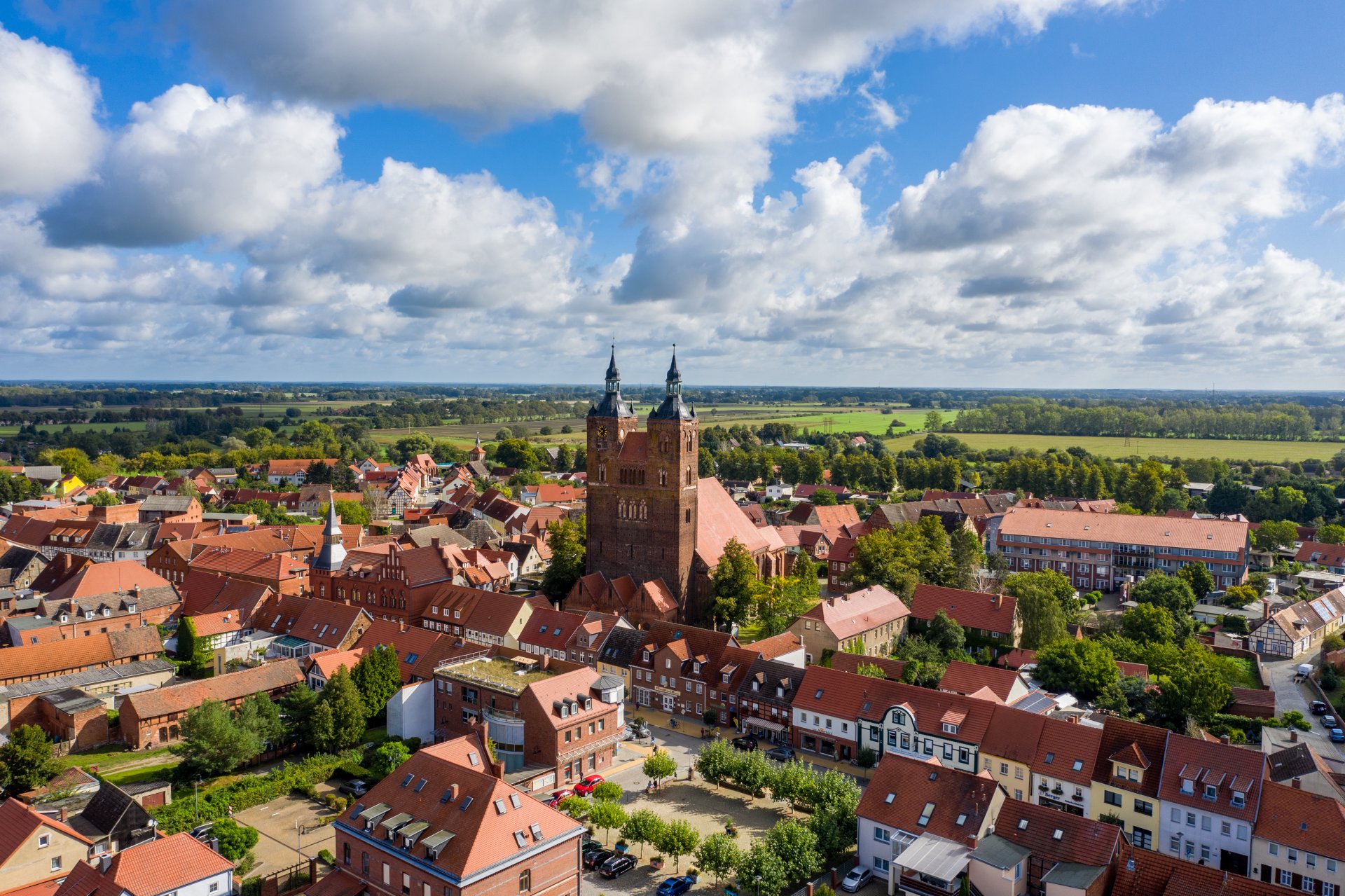

Hanseatic town of Seehausen (Altmark)
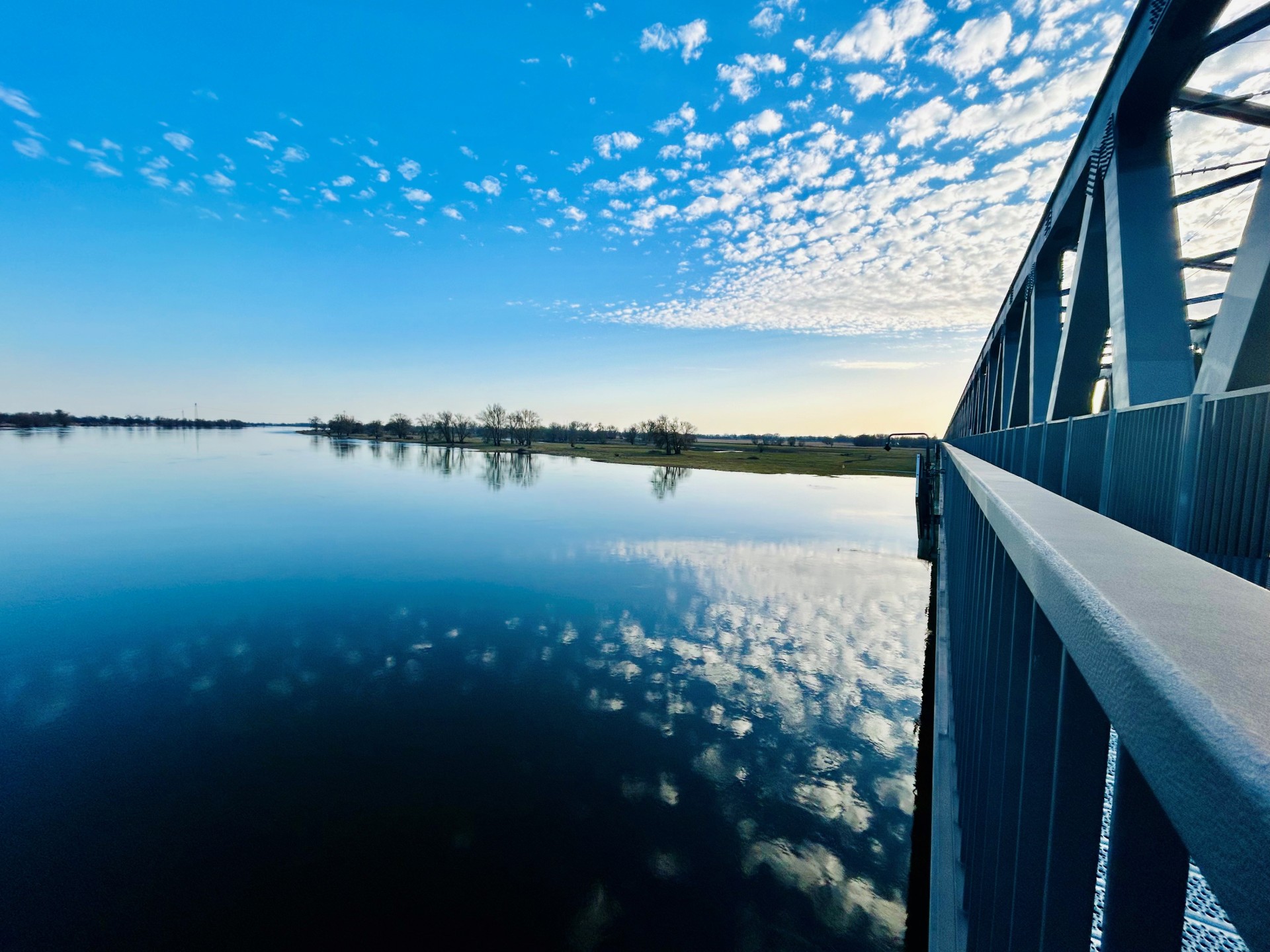
Railroad bridge View towards VGEM Seehausen
Sunrise in Vielbaum with deer in the background
This page has been automatically translated. There may therefore be discrepancies or inaccuracies in the text. Only the original version is binding. Legal claims arising from the content of the translated version are excluded.

Stresow Memorial

Stresow Memorial

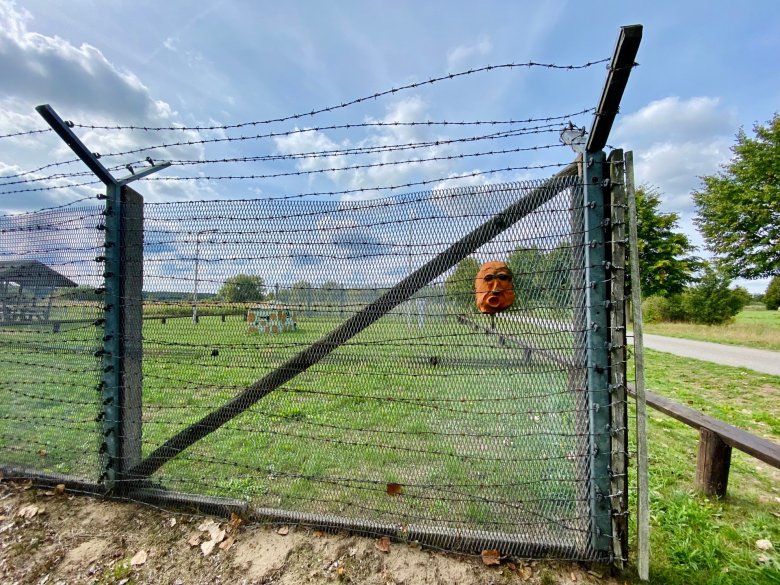
The Wenden village of "stredso" was mentioned in documents as early as 1310. Over the centuries, the inhabitants of the 16 farmsteads have survived wars, fires, dyke breaches and floods and rebuilt their village again and again. In June 1952, however, the first forced resettlement of around 100 villagers began. This was because the current state border between Lower Saxony and Saxony-Anhalt was also the inner-German border and "Iron Curtain" until 1990, with the village of Stresow located in the 500-metre-wide so-called "protective strip" directly next to the GDR border fence. In 1974, the last families had to leave their homes in a night-and-fog operation, with four families managing to escape to the West at the last minute. Stresow was razed to the ground by the GDR authorities. This injustice and the village of Stresow, which disappeared from the map, are now impressively commemorated by an original replica of the GDR border fortifications of the time. Extensive information boards and maps illustrate the history and events of that time.


How to get there: Coming
from Aulosen, head towards Bömenzien and turn right at the sign for "Gedenkstätte Stresow" (Stresow Memorial). Follow the road for about 2 km. There is a large parking lot by the lake, which is also suitable for RVs.

Opening hours:
The site is open to the public at all times.


Help with accessibility

  • General

    We endeavor to make our websites accessible. You can find details on this in our accessibility statement. You can send us suggestions for improvement via our feedback form Report accessibility.

  • Font size

    To adjust the font size, please use the following key combinations:

    Larger

    command
    +

    Smaller

    command

    Larger

    Ctrl
    +

    Smaller

    Ctrl
  • Keyboard navigation

    Use TAB and SHIFT + TAB to navigate through next/previous links, form elements and buttons.

    Use ENTER to open links and interact with elements.

  • Contrast mode

    Press the following key combination to reduce or increase the contrast:

    Enlarge

    control
    option
    command
    .

    Decrease

    control
    option
    command
    ,
    Note: The shortcuts must be activated in the system settings of the operating system.

    Press the left ALT key + left SHIFT key + PRINT to quickly switch the high contrast mode on or off.

  • Invert colors

    Press the following key combination to switch color inversion on and off:

    control
    option
    command
    8
    Note: The shortcuts must be activated in the system settings of the operating system.

    First activate the screen magnifier and then switch the color inversion on and off with the following key combinations:

    1. screen magnifier

    +

    2. invert colors

    Ctrl
    Old
    I
  • Screen magnifier

    Press the following key combinations to use the screen magnifier:

    Switch on/off

    option
    command
    8

    Enlarge view

    option
    command
    =

    Reduce view

    option
    command
    Note: The shortcuts must be activated in the system settings of the operating system.

    Switch on / Enlarge view

    +

    Reduce view

Select language