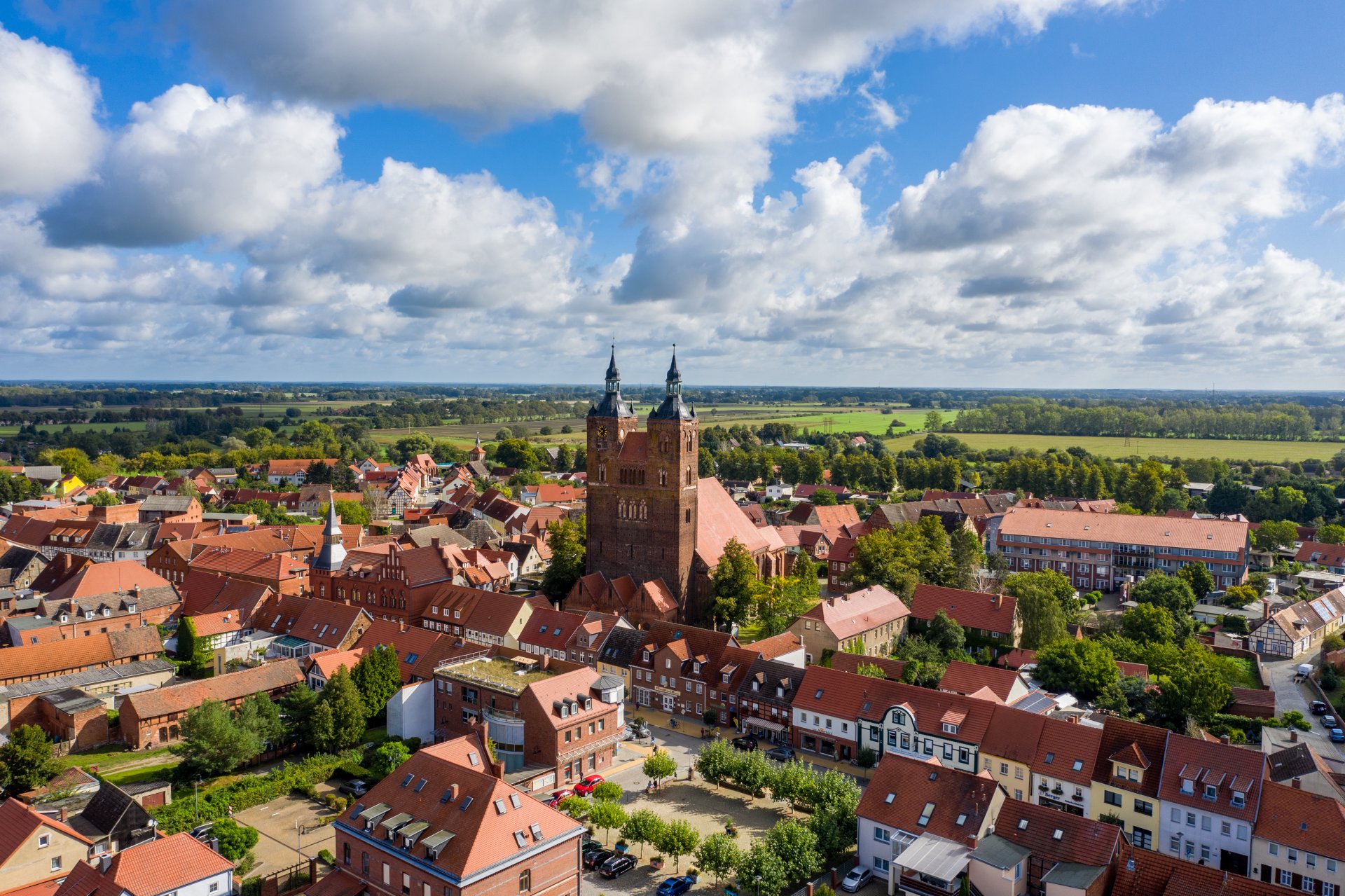
Hanseatic town of Seehausen (Altmark)
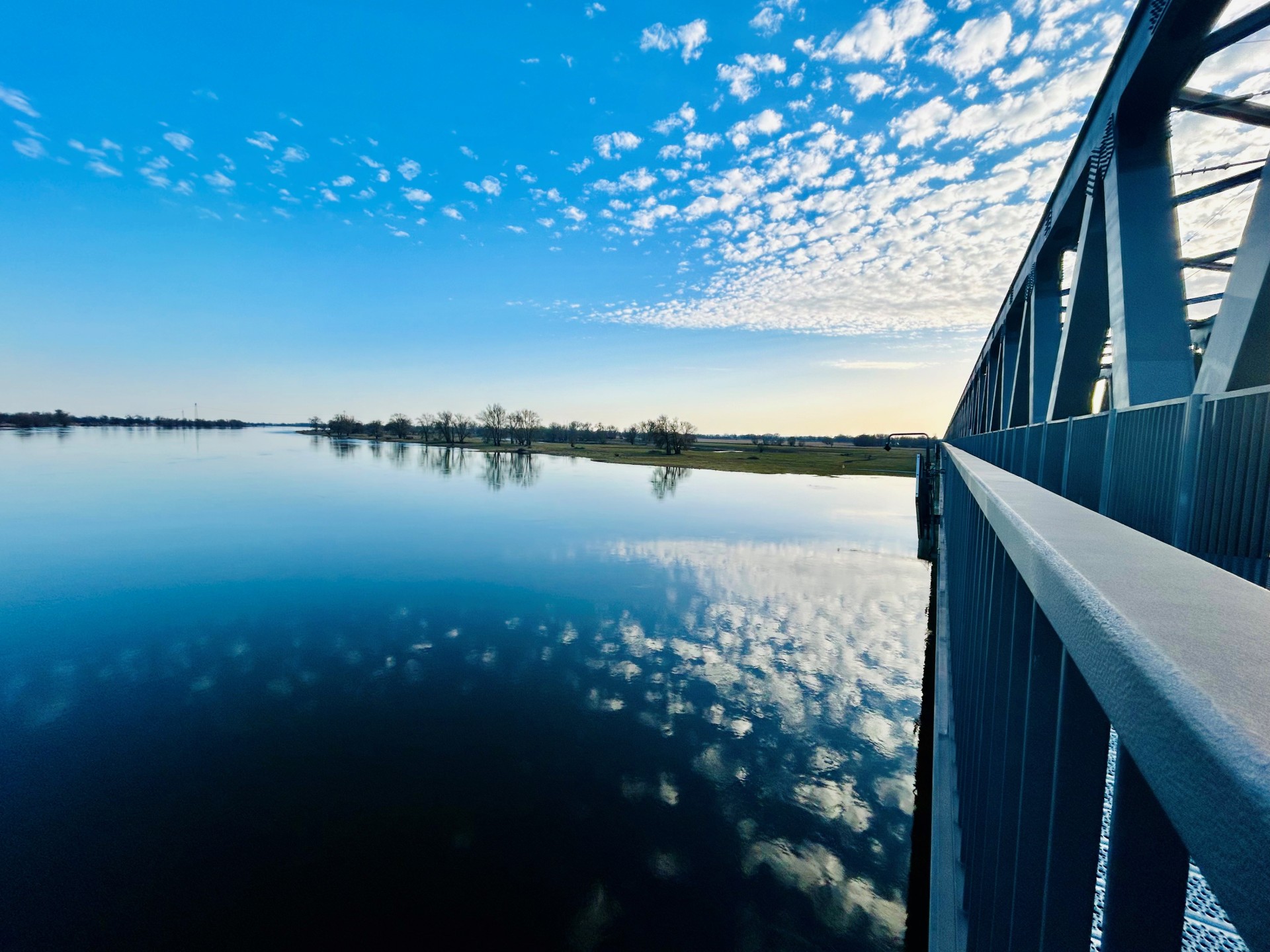
Railroad bridge View towards VGEM Seehausen
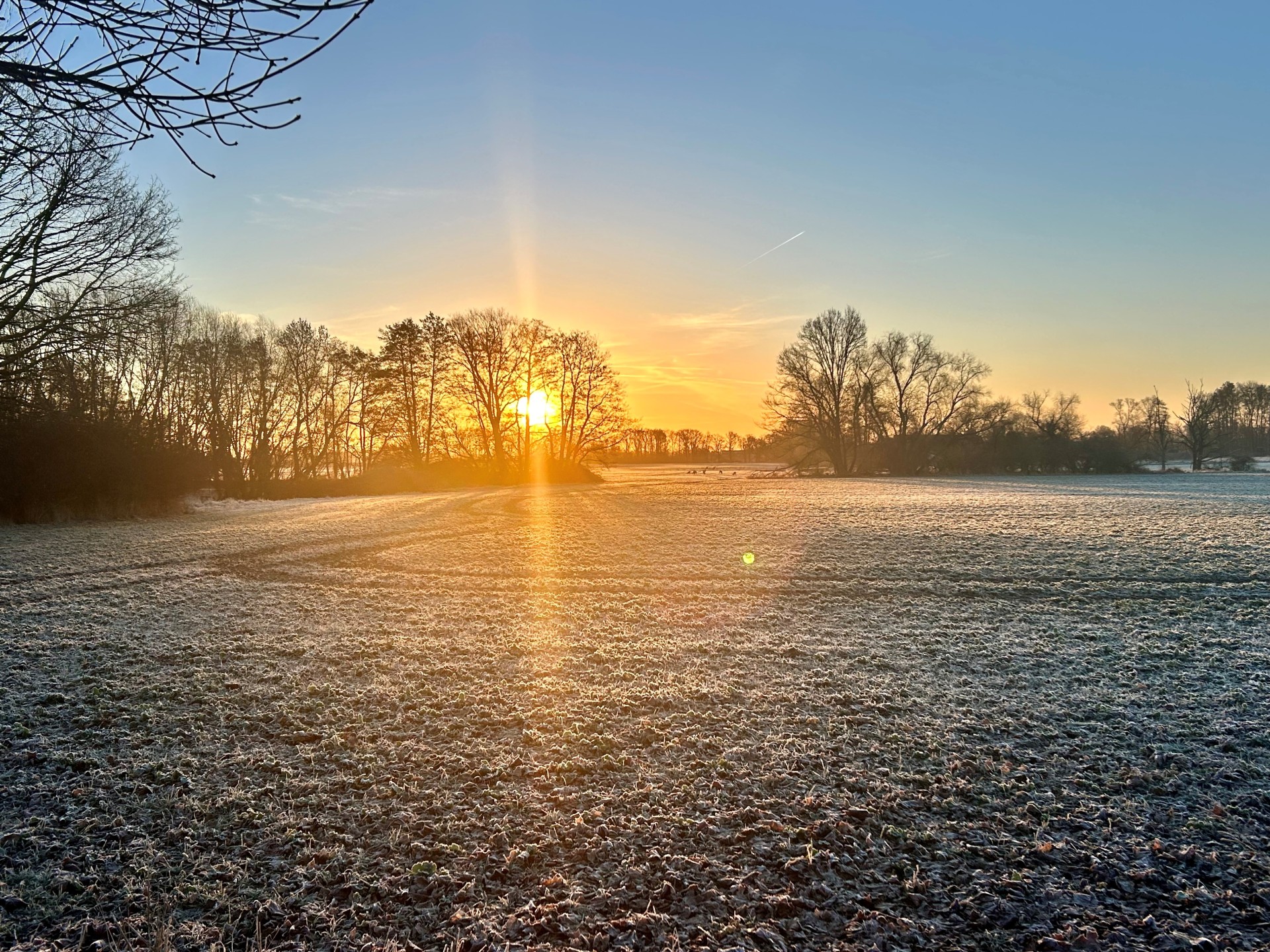
Sunrise in Vielbaum with deer in the background
This page has been automatically translated. There may therefore be discrepancies or inaccuracies in the text. Only the original version is binding. Legal claims arising from the content of the translated version are excluded.

Bretsch megalithic tombs
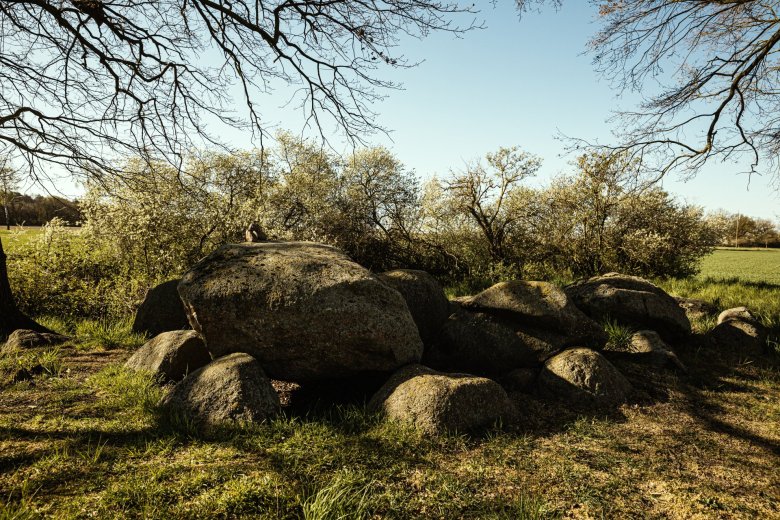
Bretsch megalithic tombs

Anyone wandering along the Altmark's historic paths will come across megalithic tombs built from enormous boulders weighing several tons. In the Bretsch area, post-glacial human settlement from around 4000 BC is evidenced by corresponding finds. Impressive witnesses to this period include the megalithic tombs (megalithic graves) located on the Altmark Heights between Drüsedau and Bretsch. Not far from the road, two burial or cult sites dating back to the Neolithic period can still be seen today, estimated to be around 5000 years old. They were probably used for the burial of the dead in a communal megalithic tomb and apparently symbolized the power of the clan. Megalithic tombs were places of ancestor worship and therefore sacred sites. Thanks to the efforts of the local history association and the monument preservation authorities, the Bretsch megalithic tombs have been excavated and made accessible to the public. How


to get there:
Tomb 1 – on the L12 coming from Drüsedau, approx. 500 meters before Bretsch on the left side of the road. Tomb 2 – in the fields on the opposite side of the road; members of the local history association will be happy to accompany you.

Opening hours:
The megalithic tombs are freely accessible, but tomb 2 is more difficult to reach depending on the vegetation in the fields.

Guided tours:
As part of the archaeological hiking trail, a 4 km circular route with megalithic tombs and 10 other points of interest, with a third megalithic tomb in the forest on request.
Contact: Thomas Hartwig, honorary representative of the Saxony-Anhalt State Office for
Archaeology, telephone 0173 3081791 | Thomas.Hartwig@altmarkkirchen.de

Help with accessibility

  • General

    We endeavor to make our websites accessible. You can find details on this in our accessibility statement. You can send us suggestions for improvement via our feedback form Report accessibility.

  • Font size

    To adjust the font size, please use the following key combinations:

    Larger

    command
    +

    Smaller

    command

    Larger

    Ctrl
    +

    Smaller

    Ctrl
  • Keyboard navigation

    Use TAB and SHIFT + TAB to navigate through next/previous links, form elements and buttons.

    Use ENTER to open links and interact with elements.

  • Contrast mode

    Press the following key combination to reduce or increase the contrast:

    Enlarge

    control
    option
    command
    .

    Decrease

    control
    option
    command
    ,
    Note: The shortcuts must be activated in the system settings of the operating system.

    Press the left ALT key + left SHIFT key + PRINT to quickly switch the high contrast mode on or off.

  • Invert colors

    Press the following key combination to switch color inversion on and off:

    control
    option
    command
    8
    Note: The shortcuts must be activated in the system settings of the operating system.

    First activate the screen magnifier and then switch the color inversion on and off with the following key combinations:

    1. screen magnifier

    +

    2. invert colors

    Ctrl
    Old
    I
  • Screen magnifier

    Press the following key combinations to use the screen magnifier:

    Switch on/off

    option
    command
    8

    Enlarge view

    option
    command
    =

    Reduce view

    option
    command
    Note: The shortcuts must be activated in the system settings of the operating system.

    Switch on / Enlarge view

    +

    Reduce view

Select language