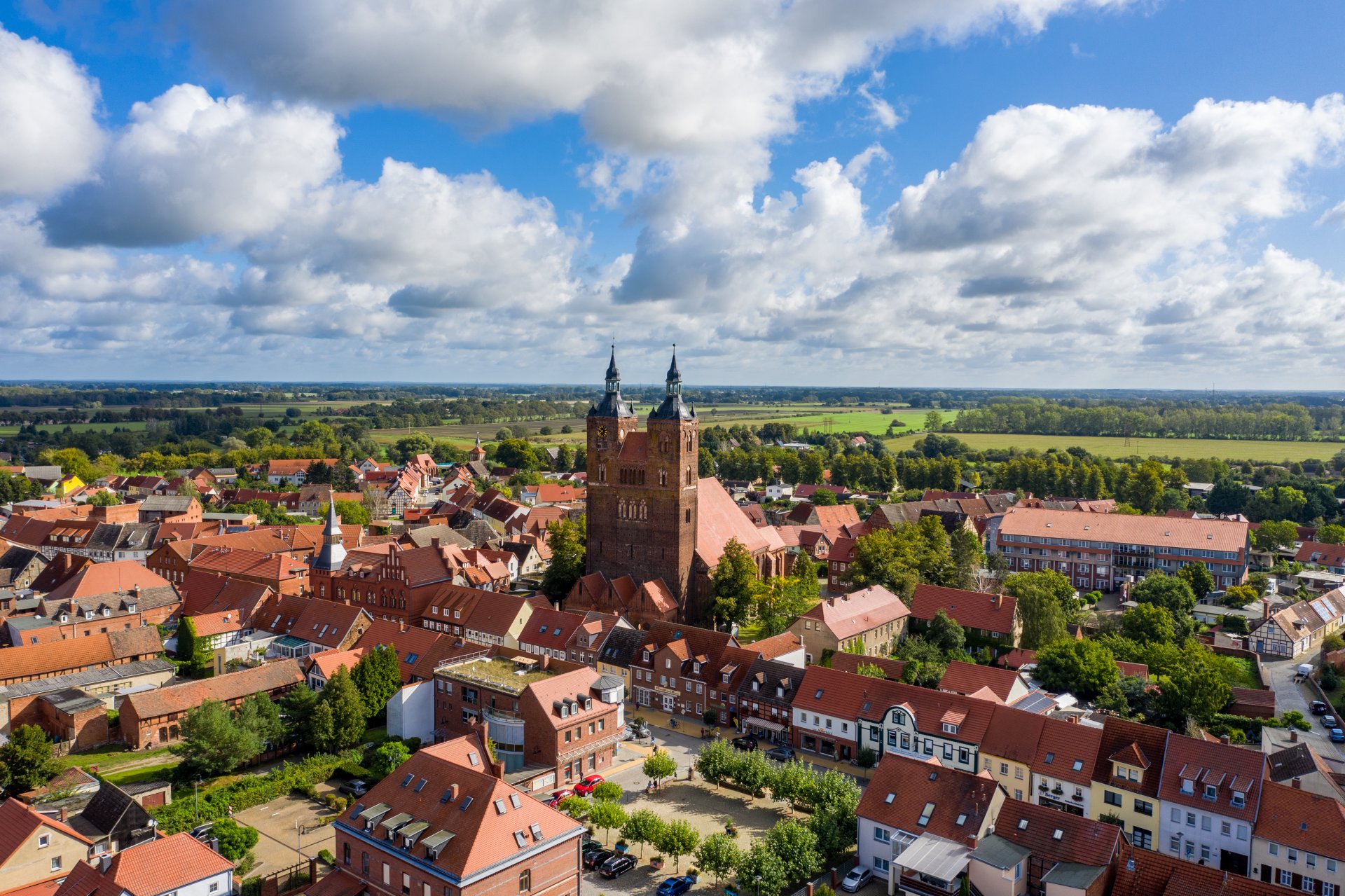

Hanseatic town of Seehausen (Altmark)
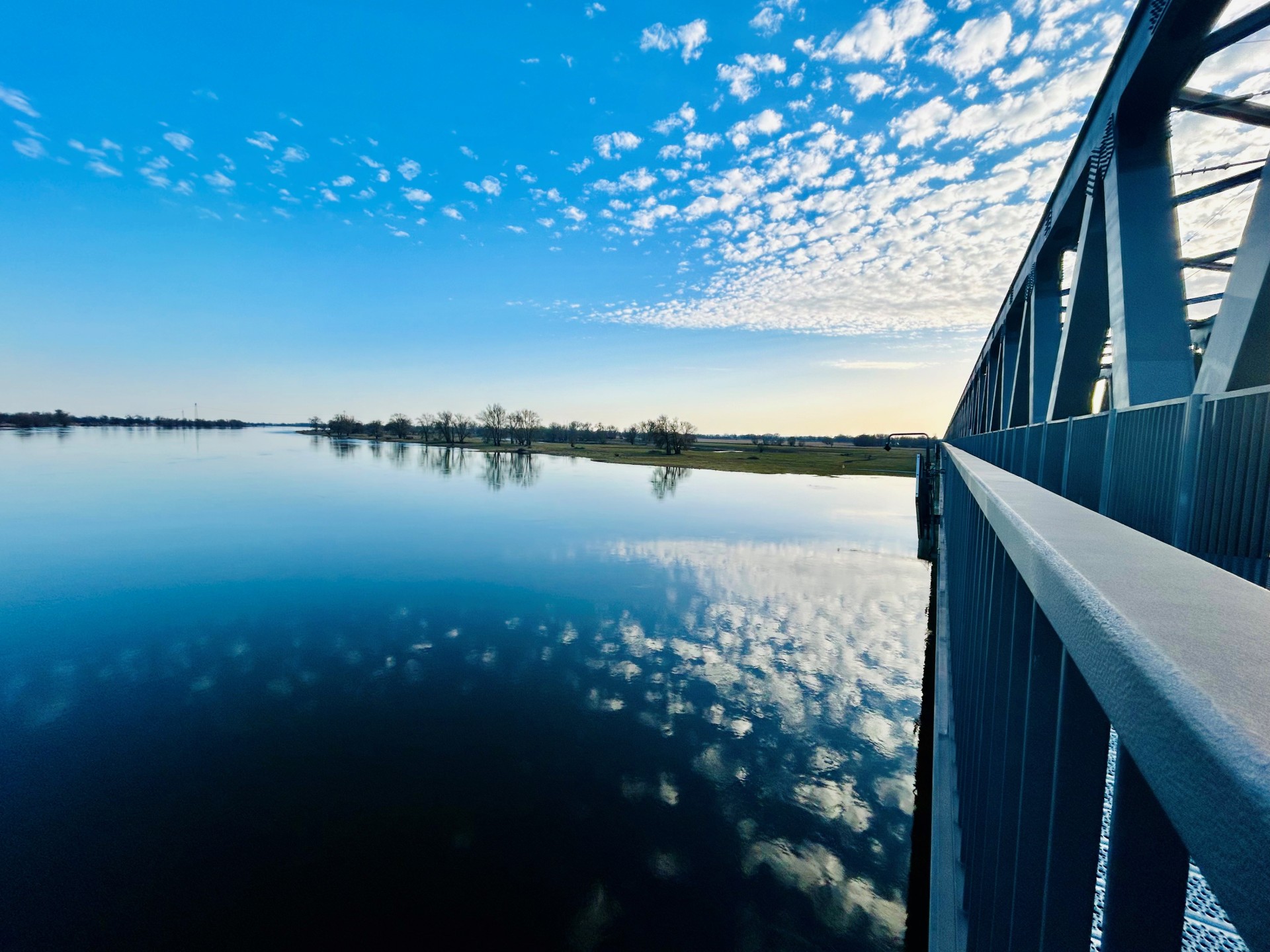
Railroad bridge View towards VGEM Seehausen
Sunrise in Vielbaum with deer in the background
This page has been automatically translated. There may therefore be discrepancies or inaccuracies in the text. Only the original version is binding. Legal claims arising from the content of the translated version are excluded.

Town wall in the Hanseatic town of Seehausen

The Seehausen town wall - a medieval fortification dating back to the 14th century - once surrounded almost the entire town of Seehausen (Altmark). Only in the east did the Aland form a protective border. The imposing wall had five striking town gates, battlements and defensive towers. Three so-called emergency gates were used as escape routes during sieges; these included the water gate located in the Petristraße area, whose name refers to the nearby Aland bypass. Some sections of the city wall still remain today. The houses in Petristraße were built around 1750, when Seehausen became a garrison town and was temporarily occupied by three mounted squadrons. The street was designed accordingly: The soldiers' houses were located opposite the town wall, while buildings attached directly to the wall housed stables and storage facilities for equipment.

An idyllic circular walk connects the two sights: Coming on foot from the town center, turn left into Petristraße in Große Brüderstraße before the bridge, turn right at the end down to the Aland and right along the Aland bypass at the foot of the town wall back to Große Brüderstraße.

Opening hours: The city wall is freely accessible at all times.

Guided tours: Town history and town tour via the Seehausen tourist information office


Help with accessibility

  • General

    We endeavor to make our websites accessible. You can find details on this in our accessibility statement. You can send us suggestions for improvement via our feedback form Report accessibility.

  • Font size

    To adjust the font size, please use the following key combinations:

    Larger

    command
    +

    Smaller

    command

    Larger

    Ctrl
    +

    Smaller

    Ctrl
  • Keyboard navigation

    Use TAB and SHIFT + TAB to navigate through next/previous links, form elements and buttons.

    Use ENTER to open links and interact with elements.

  • Contrast mode

    Press the following key combination to reduce or increase the contrast:

    Enlarge

    control
    option
    command
    .

    Decrease

    control
    option
    command
    ,
    Note: The shortcuts must be activated in the system settings of the operating system.

    Press the left ALT key + left SHIFT key + PRINT to quickly switch the high contrast mode on or off.

  • Invert colors

    Press the following key combination to switch color inversion on and off:

    control
    option
    command
    8
    Note: The shortcuts must be activated in the system settings of the operating system.

    First activate the screen magnifier and then switch the color inversion on and off with the following key combinations:

    1. screen magnifier

    +

    2. invert colors

    Ctrl
    Old
    I
  • Screen magnifier

    Press the following key combinations to use the screen magnifier:

    Switch on/off

    option
    command
    8

    Enlarge view

    option
    command
    =

    Reduce view

    option
    command
    Note: The shortcuts must be activated in the system settings of the operating system.

    Switch on / Enlarge view

    +

    Reduce view

Select language