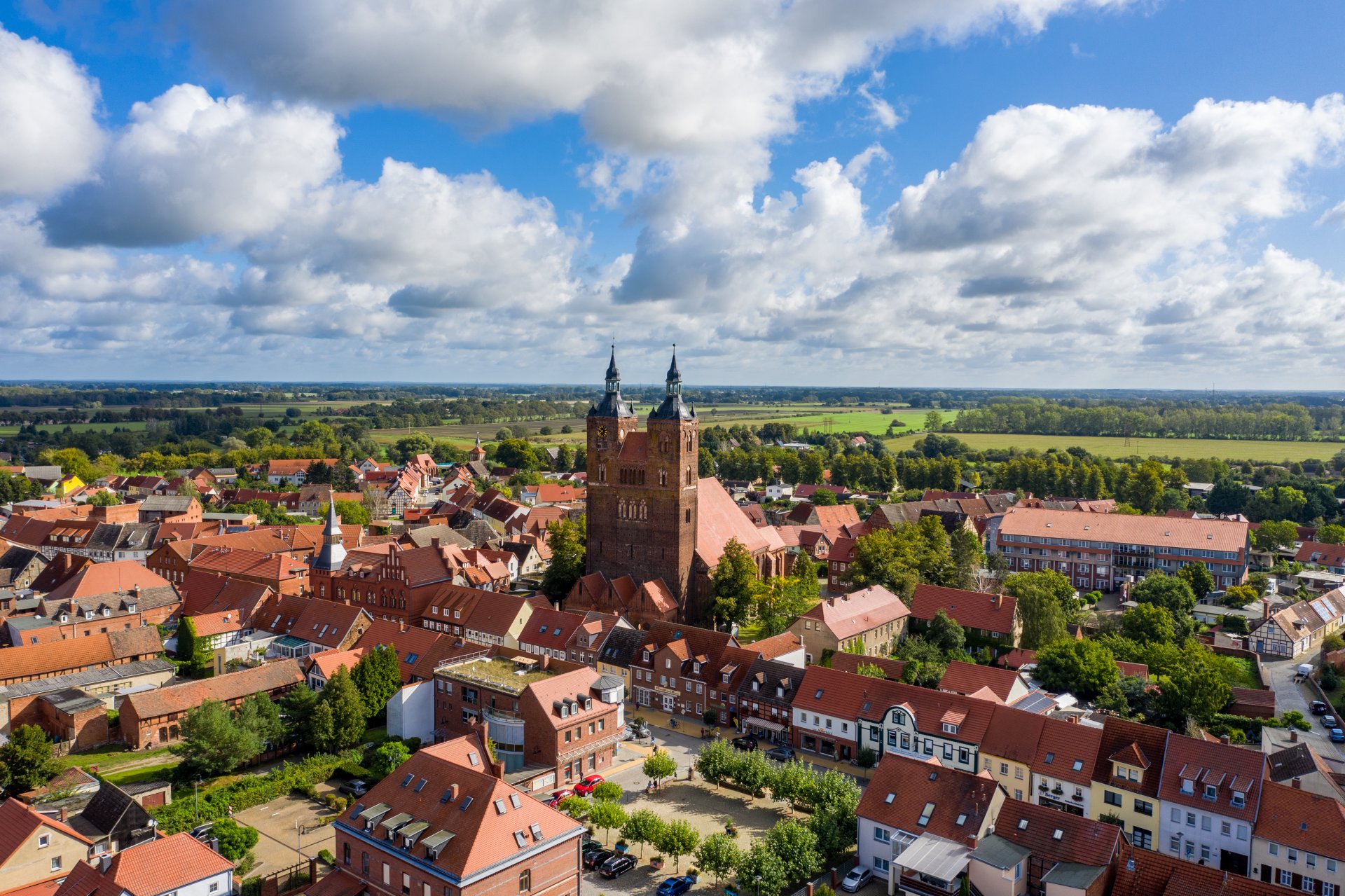
Hanseatic town of Seehausen (Altmark)
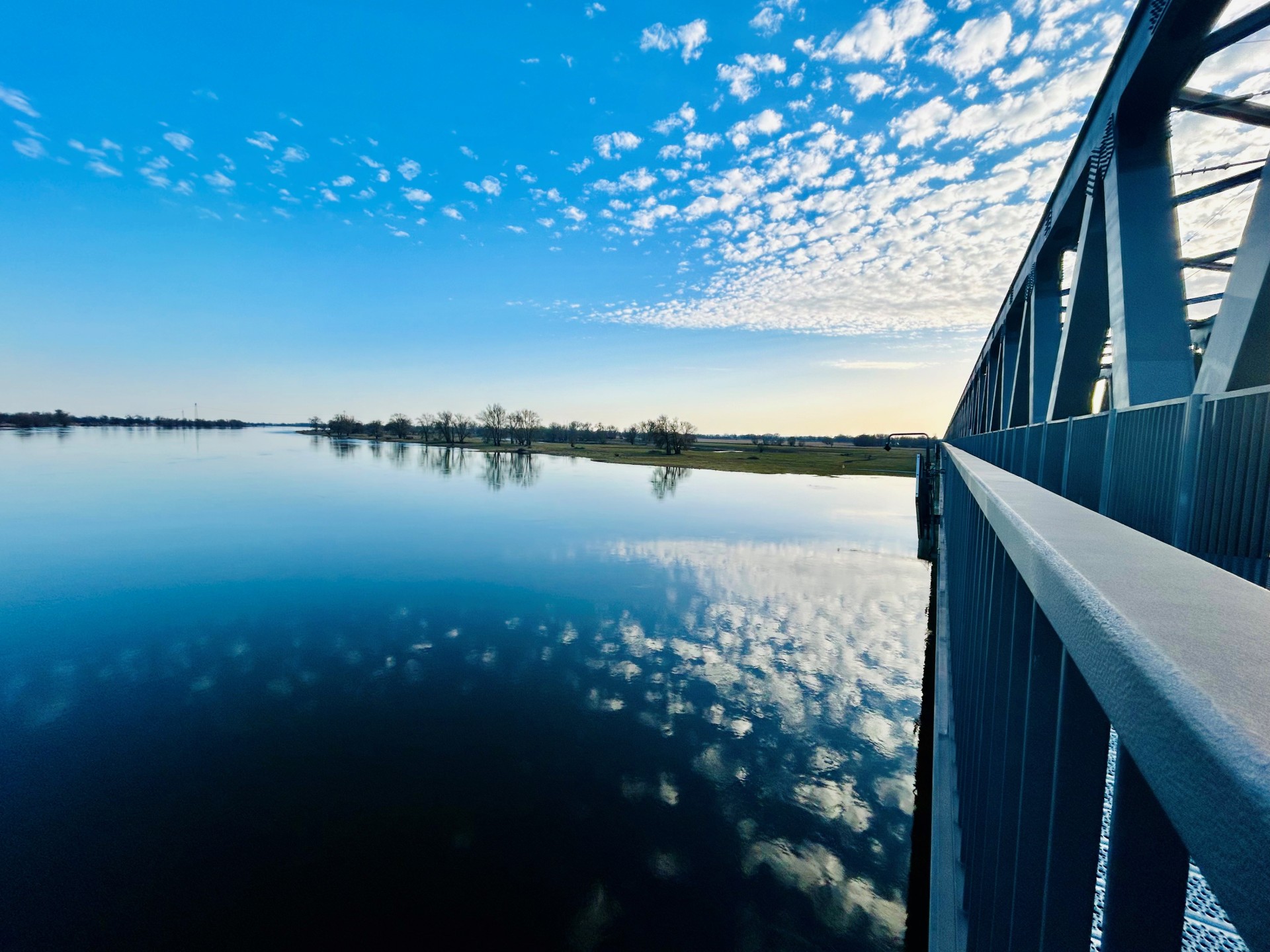
Railroad bridge View towards VGEM Seehausen
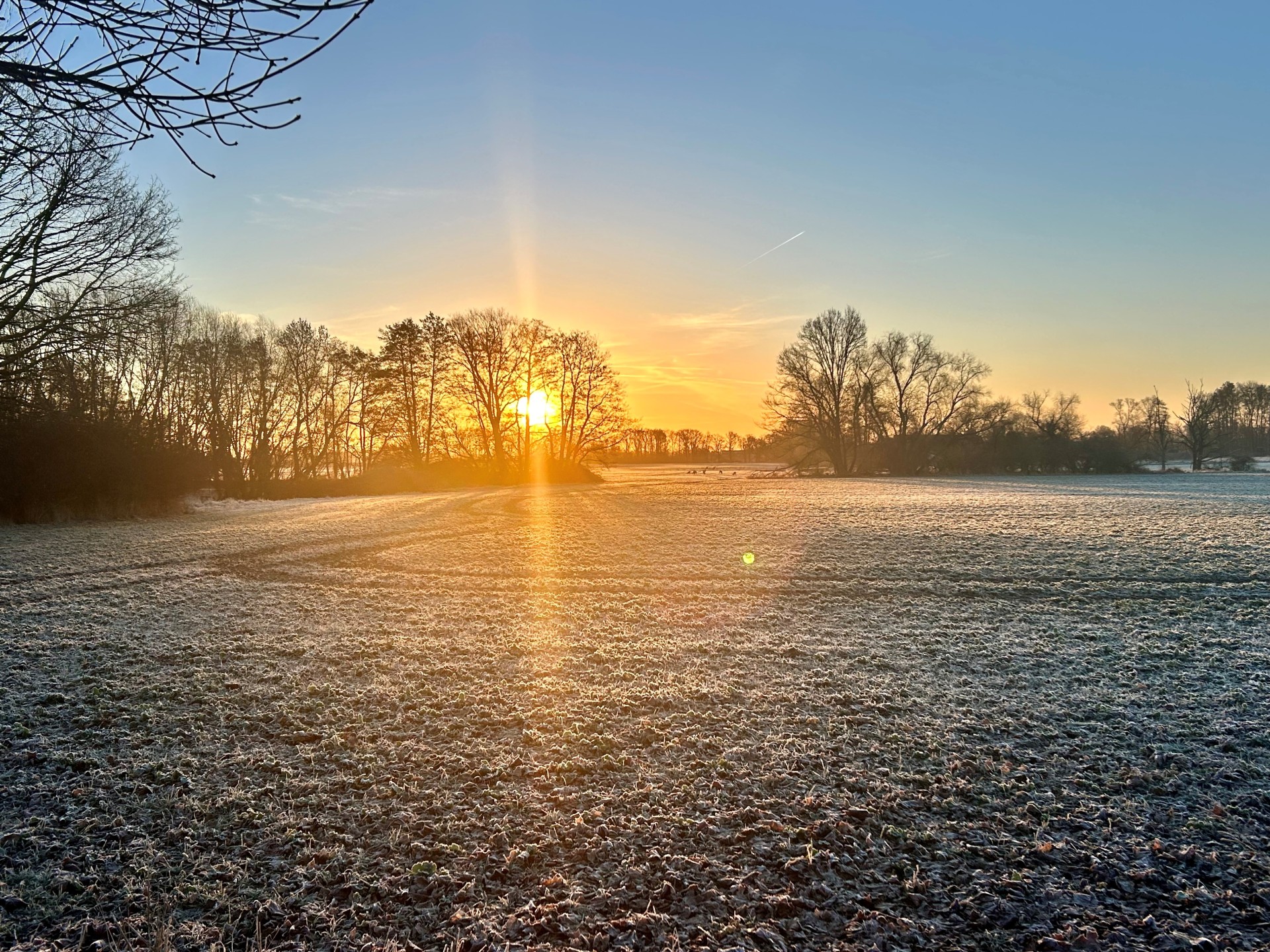
Sunrise in Vielbaum with deer in the background
This page has been automatically translated. There may therefore be discrepancies or inaccuracies in the text. Only the original version is binding. Legal claims arising from the content of the translated version are excluded.

Caravan site

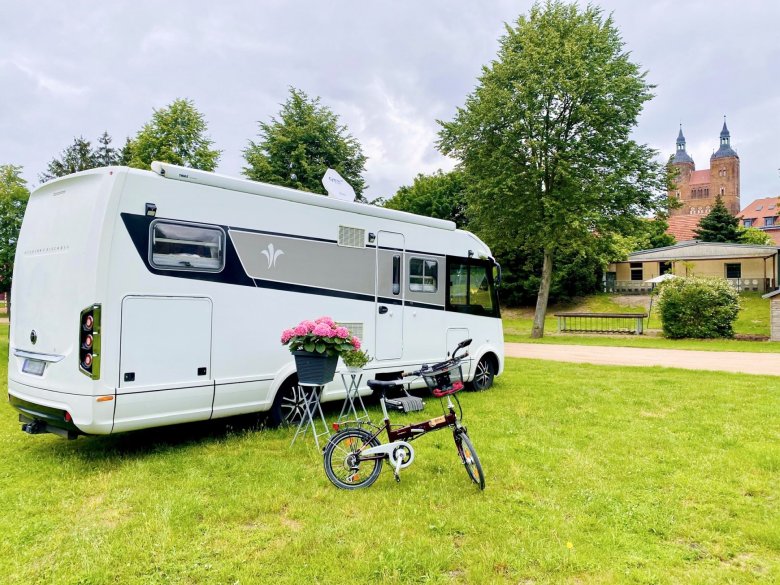
View of a mobile home on the caravan site of the Hanseatic town of Seehausen (A.), in the background the towers of St. Petri Church Seehausen (A.)


Anyone exploring the northern Altmark with a motorhome or caravan will find an ideal pitch in the Hanseatic town of Seehausen (Altmark). The pitches are characterized by plenty of space and tranquillity on spacious green areas on the Aland Umfluter. The high towers of St. Peter's Church greet you from the pitch, as the town center is only a few meters away, so that the shopping facilities and sights of the town can all be reached on foot. From the pitch, you can easily reach the beautiful surroundings with their fascinating landscapes of the Elbe and Aland lowlands, as well as the Seehäuser Forst and the Altmärkische Höhe on day trips by bike.

How to find us
Coming from Arendseer Straße, turn right immediately after the bridge to the tourist information office.

Stay
fee: Overnight stays for motorhomes or caravans are free of charge. Registration is required.


Supply and disposal € 2,-

Power supply via the power columns (coin-operated) € 0.80/kWh


Help with accessibility

  • General

    We endeavor to make our websites accessible. You can find details on this in our accessibility statement. You can send us suggestions for improvement via our feedback form Report accessibility.

  • Font size

    To adjust the font size, please use the following key combinations:

    Larger

    command
    +

    Smaller

    command

    Larger

    Ctrl
    +

    Smaller

    Ctrl
  • Keyboard navigation

    Use TAB and SHIFT + TAB to navigate through next/previous links, form elements and buttons.

    Use ENTER to open links and interact with elements.

  • Contrast mode

    Press the following key combination to reduce or increase the contrast:

    Enlarge

    control
    option
    command
    .

    Decrease

    control
    option
    command
    ,
    Note: The shortcuts must be activated in the system settings of the operating system.

    Press the left ALT key + left SHIFT key + PRINT to quickly switch the high contrast mode on or off.

  • Invert colors

    Press the following key combination to switch color inversion on and off:

    control
    option
    command
    8
    Note: The shortcuts must be activated in the system settings of the operating system.

    First activate the screen magnifier and then switch the color inversion on and off with the following key combinations:

    1. screen magnifier

    +

    2. invert colors

    Ctrl
    Old
    I
  • Screen magnifier

    Press the following key combinations to use the screen magnifier:

    Switch on/off

    option
    command
    8

    Enlarge view

    option
    command
    =

    Reduce view

    option
    command
    Note: The shortcuts must be activated in the system settings of the operating system.

    Switch on / Enlarge view

    +

    Reduce view

Select language