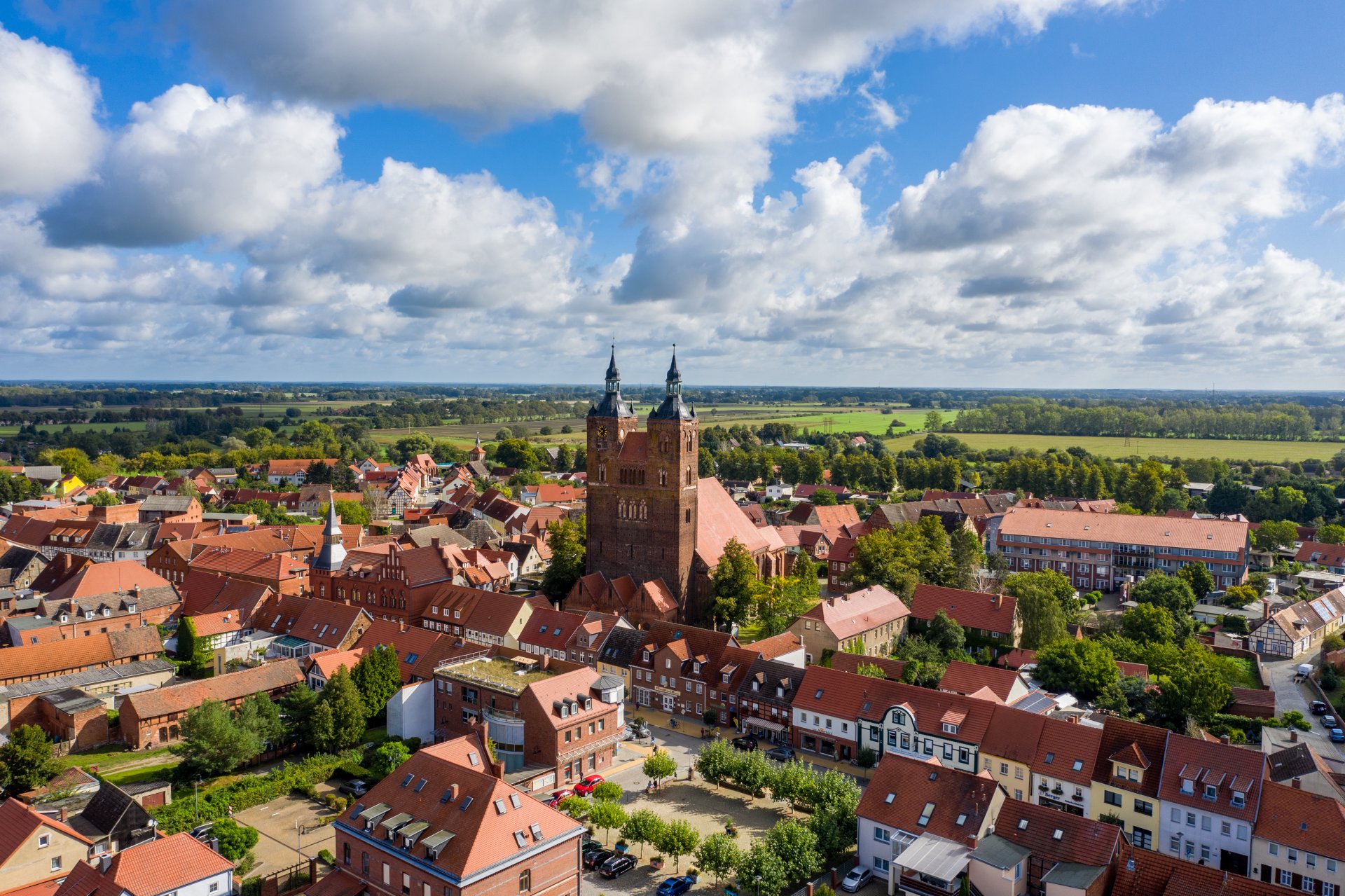
Hanseatic town of Seehausen (Altmark)
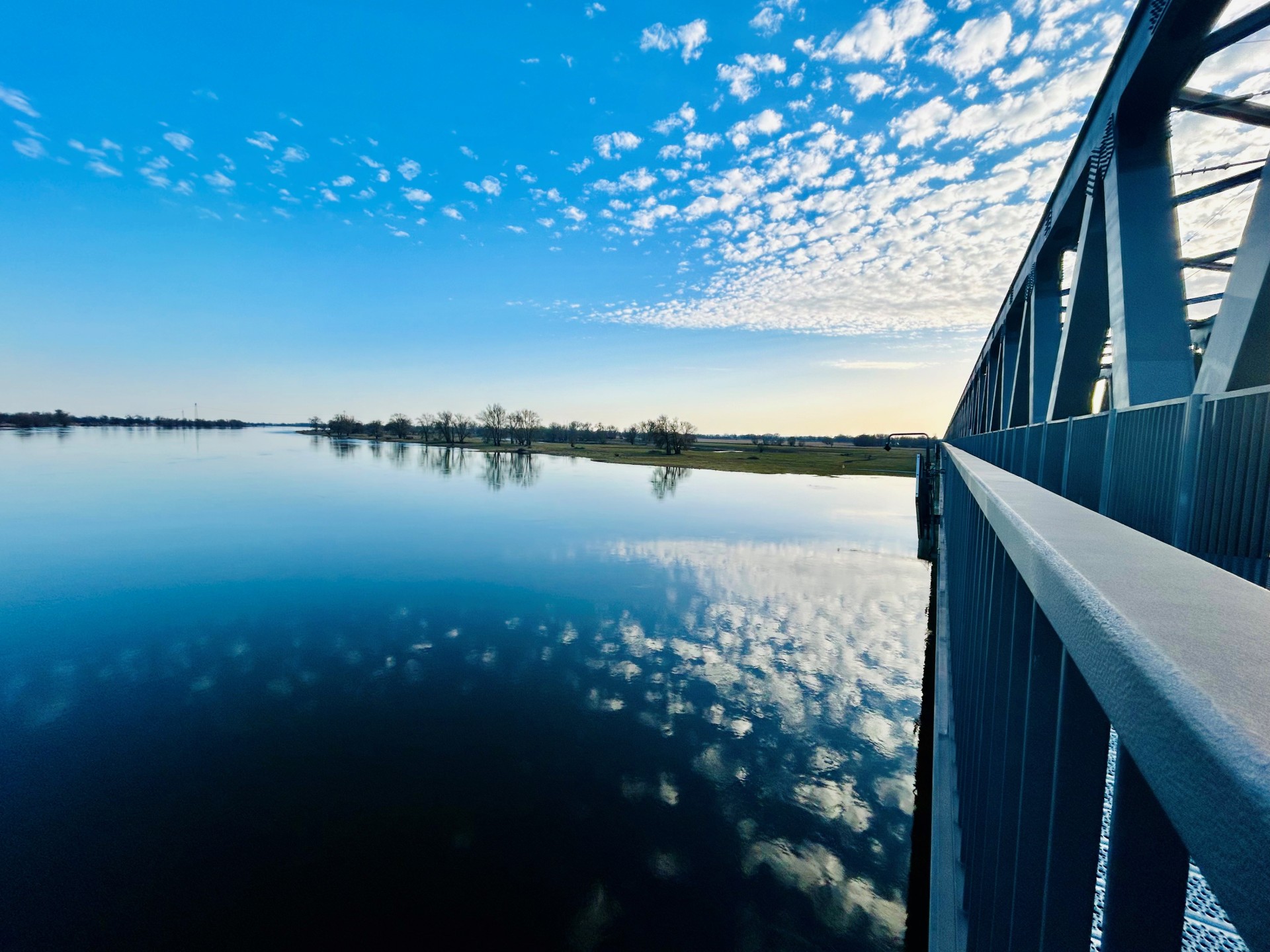
Railroad bridge View towards VGEM Seehausen
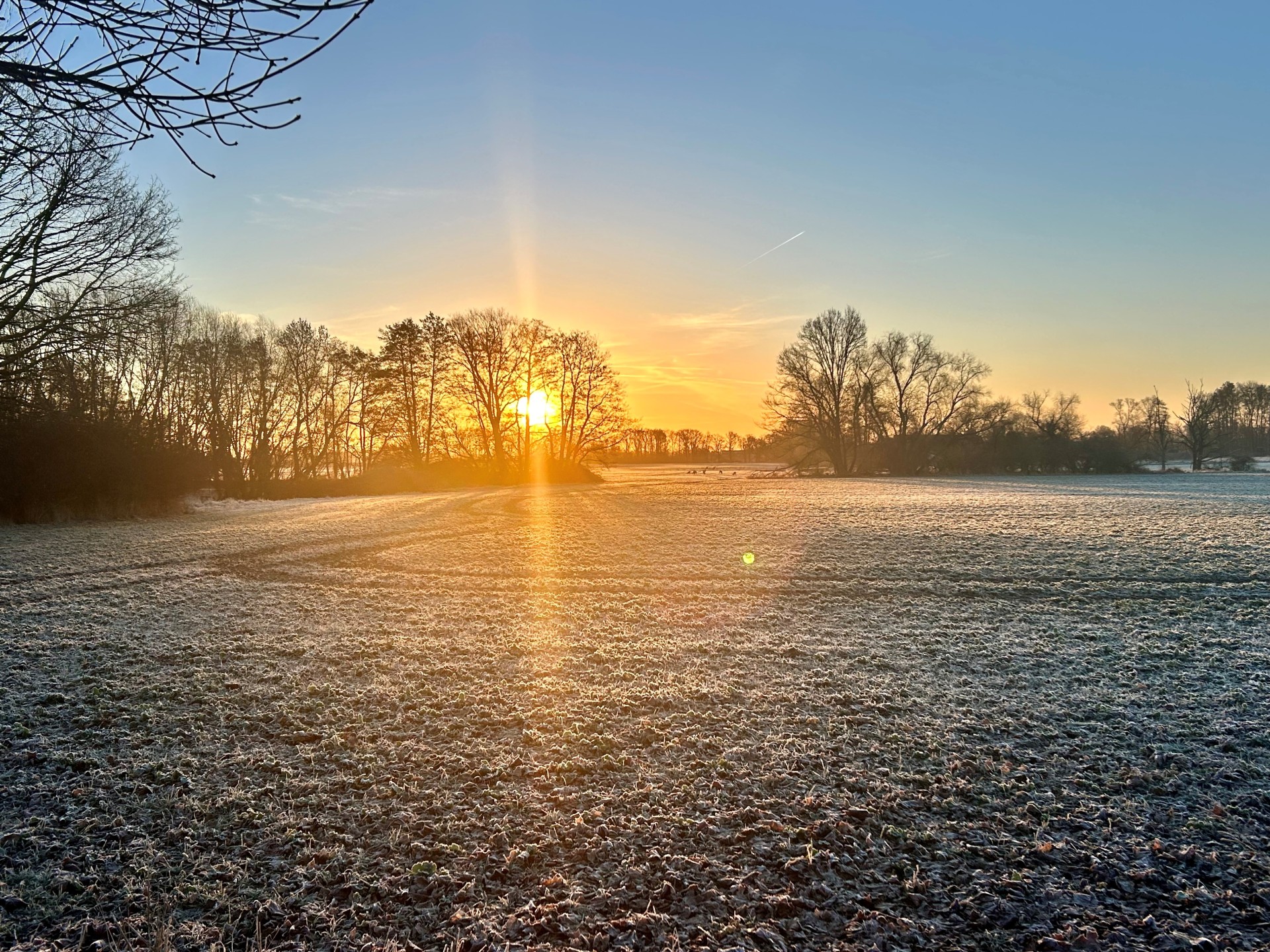
Sunrise in Vielbaum with deer in the background
This page has been automatically translated. There may therefore be discrepancies or inaccuracies in the text. Only the original version is binding. Legal claims arising from the content of the translated version are excluded.

St. Nicholas Church Beuster

The collegiate church in Beuster is unusual in both its formal design and its construction technique due to its unusually early dating. It was built in two phases between 1150 and 1184 and can definitely be counted among the oldest medieval brick buildings north of the Alps.
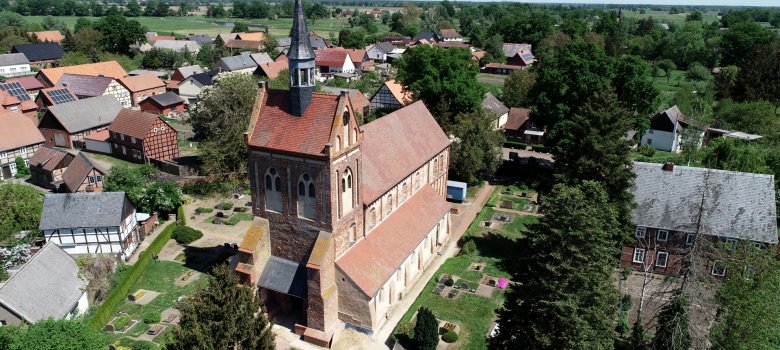
Aerial view of Beuster with St. Nicholas Church


It is a pure brick building. Even the foundations are made of bricks down to a depth of two meters. The Romanesque foundation building has been preserved to this day as a three-nave pillar basilica, without a transept, in brick masonry on a base area of approx. 37 x 16.5 meters. The original Romanesque tower was dismantled around 1500 and a new Gothic tower was placed in the nave. St. Nicholas Church is part of the "Romanesque Route" and is continuously renovated and maintained at great expense by the St. Nicholas Church Beuster Association. Throughout the year, exhibitions and concerts take place in the impressive ambience of the church.


St. Nikolaus Church
BeusterFriends of St. Nikolaus Church Beuster e.V. & Protestant Parish
OfficeSchulhof 5 | 39615 Hanseatic City of Seehausen (Altmark) OT
BeusterPhone 039397 97458 | fvbeuster@web.de |
www.foerderverein-beuster.deAnsprechpartner: Dr. Volker StephanHow to get

there:Coming
from Seehausen, take the first right or, coming from the town center, take Kirchstraße and Schulhof.

Opening hours:
April to October daily from 10 a.m. to 4 p.m. and by

appointmentAdmission:
The Friends Association welcomes small donations.
The church is wheelchair accessible.

Guided tours:
by the Friends of the Church Association | Registration via the parish office
Telephone 039397 97458 | fvbeuster@web.de

Help with accessibility

  • General

    We endeavor to make our websites accessible. You can find details on this in our accessibility statement. You can send us suggestions for improvement via our feedback form Report accessibility.

  • Font size

    To adjust the font size, please use the following key combinations:

    Larger

    command
    +

    Smaller

    command

    Larger

    Ctrl
    +

    Smaller

    Ctrl
  • Keyboard navigation

    Use TAB and SHIFT + TAB to navigate through next/previous links, form elements and buttons.

    Use ENTER to open links and interact with elements.

  • Contrast mode

    Press the following key combination to reduce or increase the contrast:

    Enlarge

    control
    option
    command
    .

    Decrease

    control
    option
    command
    ,
    Note: The shortcuts must be activated in the system settings of the operating system.

    Press the left ALT key + left SHIFT key + PRINT to quickly switch the high contrast mode on or off.

  • Invert colors

    Press the following key combination to switch color inversion on and off:

    control
    option
    command
    8
    Note: The shortcuts must be activated in the system settings of the operating system.

    First activate the screen magnifier and then switch the color inversion on and off with the following key combinations:

    1. screen magnifier

    +

    2. invert colors

    Ctrl
    Old
    I
  • Screen magnifier

    Press the following key combinations to use the screen magnifier:

    Switch on/off

    option
    command
    8

    Enlarge view

    option
    command
    =

    Reduce view

    option
    command
    Note: The shortcuts must be activated in the system settings of the operating system.

    Switch on / Enlarge view

    +

    Reduce view

Select language