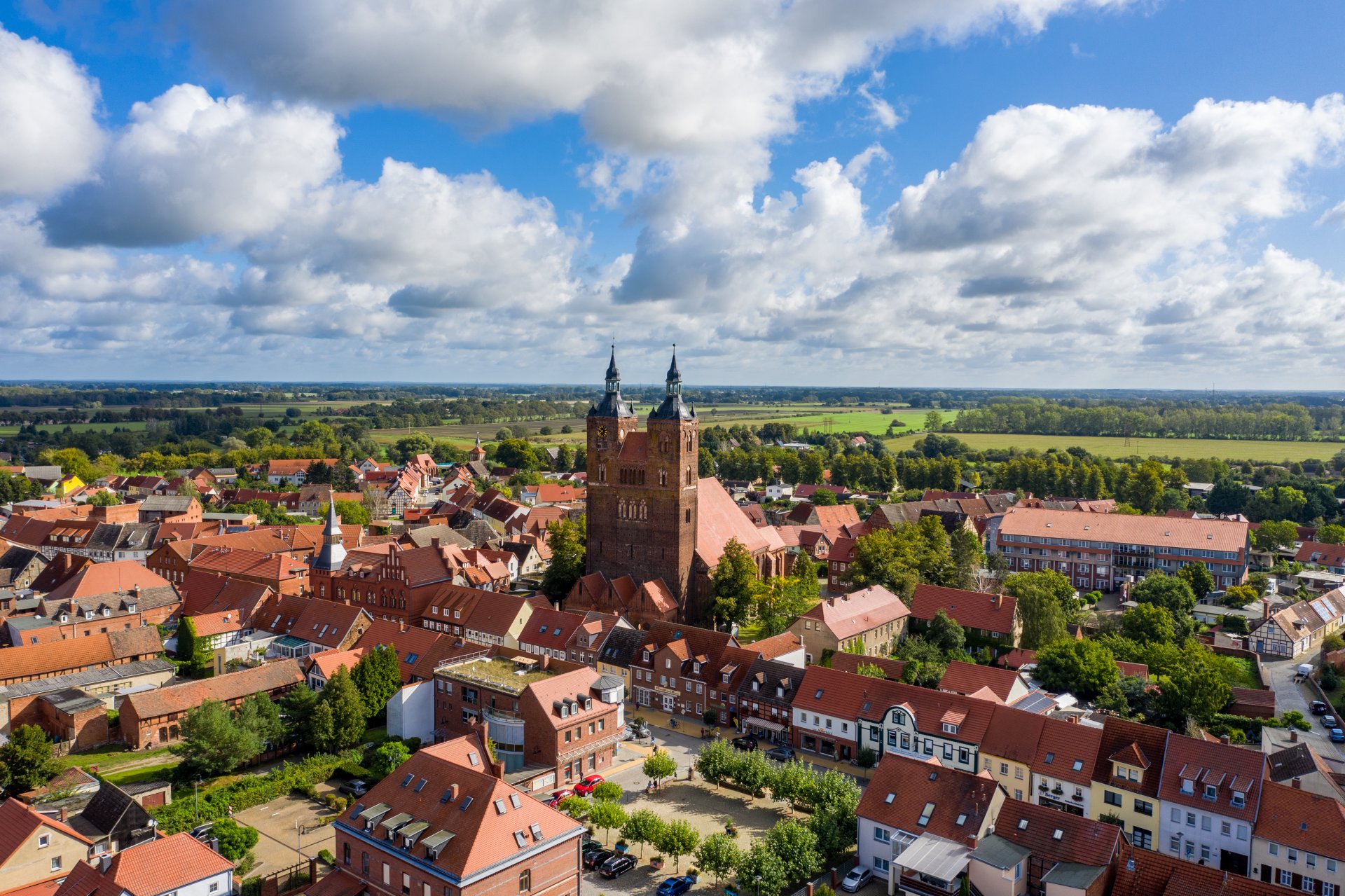

Hanseatic town of Seehausen (Altmark)
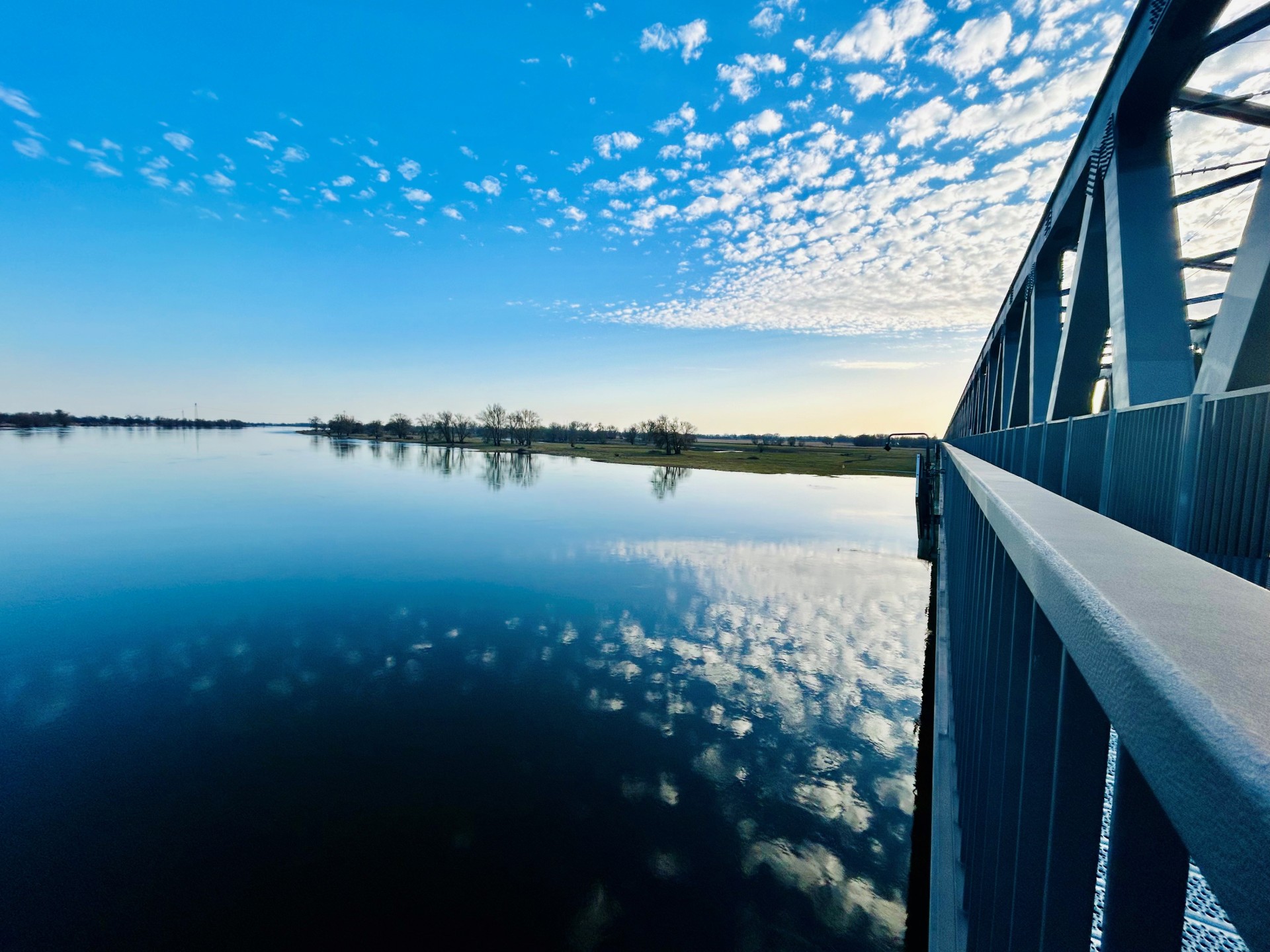
Railroad bridge View towards VGEM Seehausen
Sunrise in Vielbaum with deer in the background
This page has been automatically translated. There may therefore be discrepancies or inaccuracies in the text. Only the original version is binding. Legal claims arising from the content of the translated version are excluded.

Water weir

Waterway of the municipality of Seehausen (Altmark)

According to Section 14 of the Water Act for the State of Saxony-Anhalt (WG LSA), municipalities that are known to be at risk of flooding and ice hazards must ensure that a water hazard monitoring and assistance service (water rescue service) is set up. The obligation to set up a water rescue service is the responsibility of the municipalities as a task of the transferred sphere of activity within the meaning of Section 6 of the Local Government Constitution Act (KVG LSA).

The water rescue service supports the competent authority in the event of an emergency if floodwaters, ice drifts, and other events threaten or have already endangered flood protection facilities or floodplains (water hazards). The head
of the water rescue service is Horst Sandmann, 1st deputy Roland Müller, 2nd deputy Manfred Richter.

New members are very welcome to join the Wasserwehr. You can find the required application form here

Help with accessibility

  • General

    We endeavor to make our websites accessible. You can find details on this in our accessibility statement. You can send us suggestions for improvement via our feedback form Report accessibility.

  • Font size

    To adjust the font size, please use the following key combinations:

    Larger

    command
    +

    Smaller

    command

    Larger

    Ctrl
    +

    Smaller

    Ctrl
  • Keyboard navigation

    Use TAB and SHIFT + TAB to navigate through next/previous links, form elements and buttons.

    Use ENTER to open links and interact with elements.

  • Contrast mode

    Press the following key combination to reduce or increase the contrast:

    Enlarge

    control
    option
    command
    .

    Decrease

    control
    option
    command
    ,
    Note: The shortcuts must be activated in the system settings of the operating system.

    Press the left ALT key + left SHIFT key + PRINT to quickly switch the high contrast mode on or off.

  • Invert colors

    Press the following key combination to switch color inversion on and off:

    control
    option
    command
    8
    Note: The shortcuts must be activated in the system settings of the operating system.

    First activate the screen magnifier and then switch the color inversion on and off with the following key combinations:

    1. screen magnifier

    +

    2. invert colors

    Ctrl
    Old
    I
  • Screen magnifier

    Press the following key combinations to use the screen magnifier:

    Switch on/off

    option
    command
    8

    Enlarge view

    option
    command
    =

    Reduce view

    option
    command
    Note: The shortcuts must be activated in the system settings of the operating system.

    Switch on / Enlarge view

    +

    Reduce view

Select language