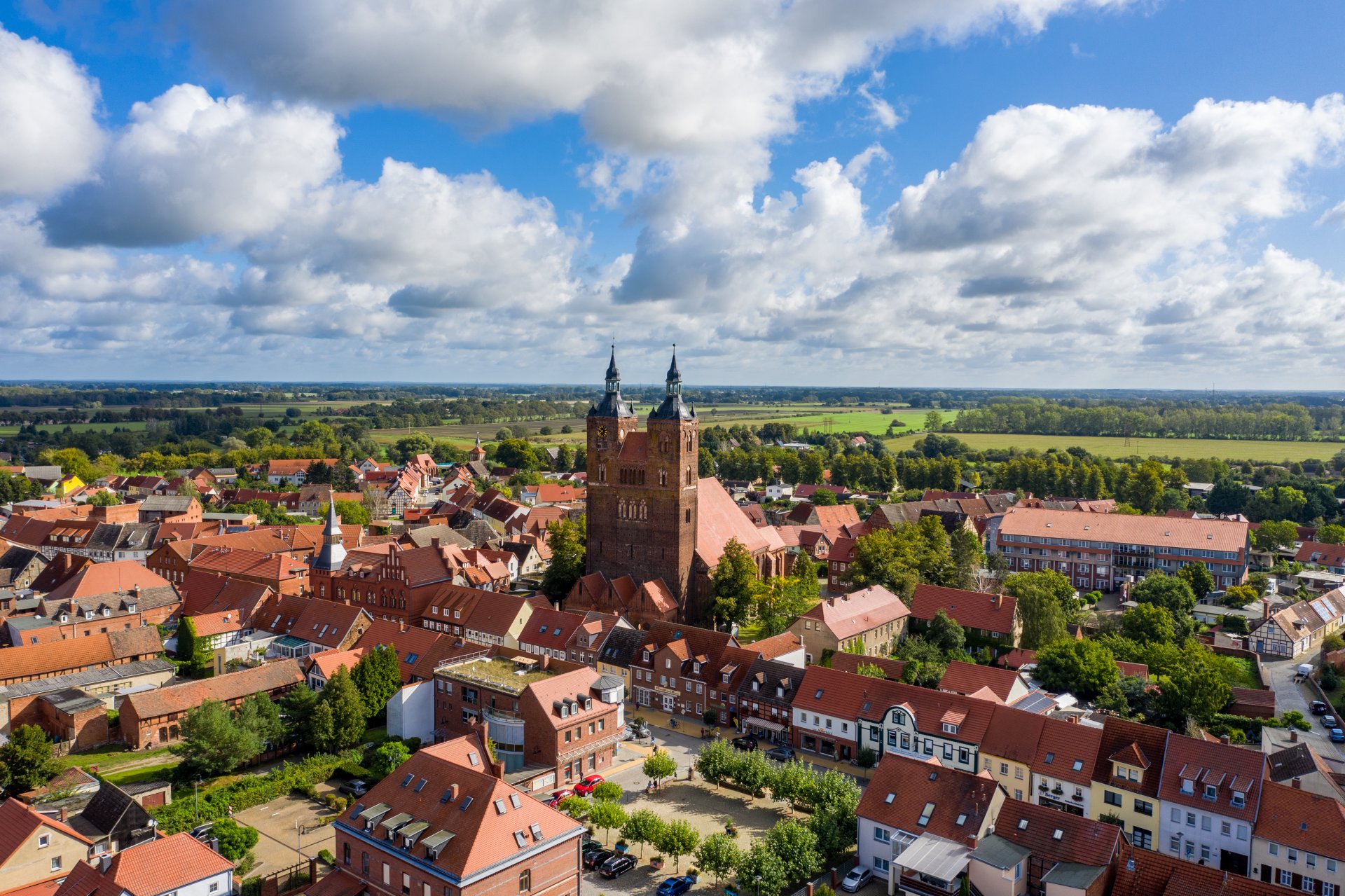
Hanseatic town of Seehausen (Altmark)
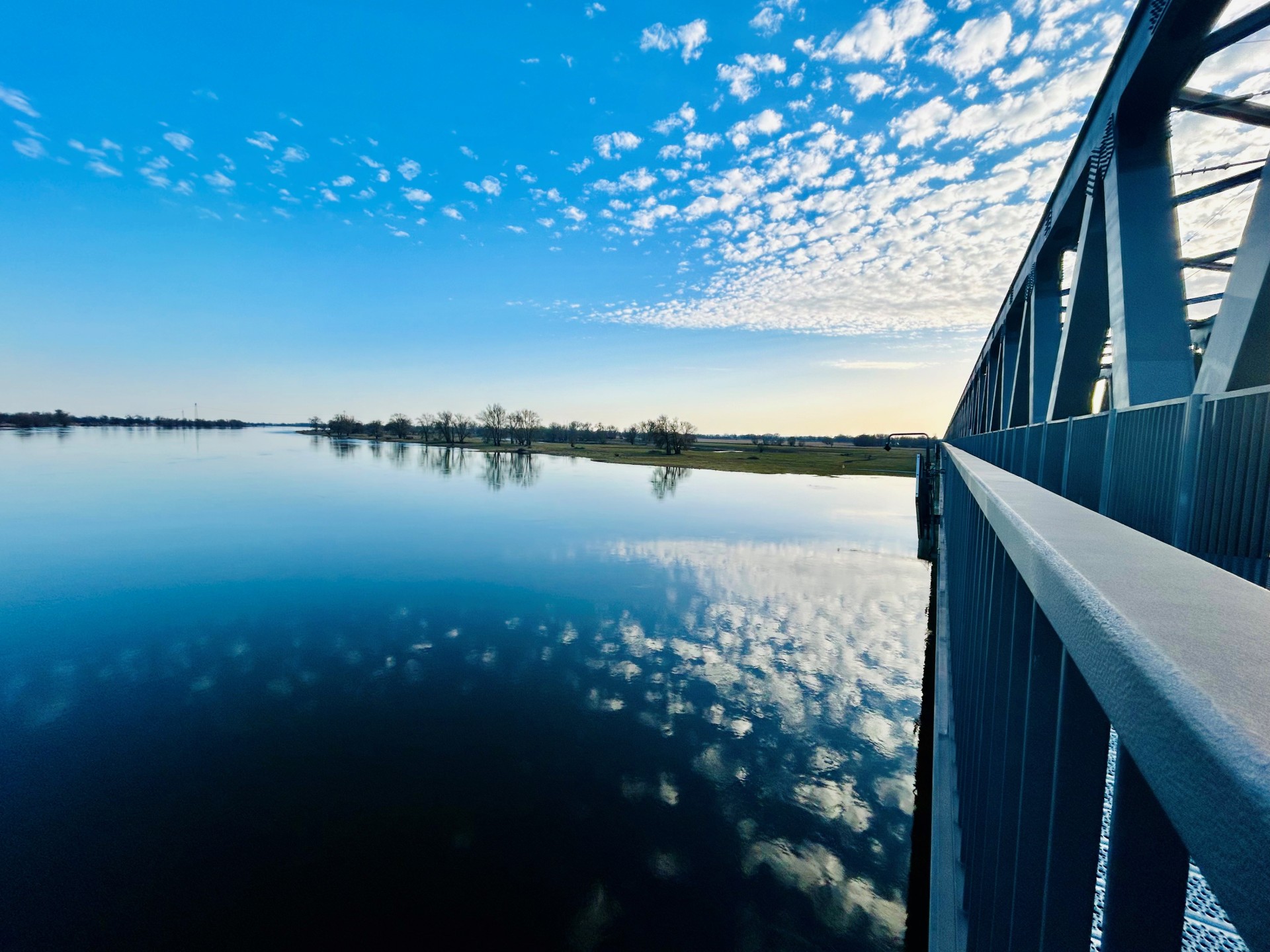
Railroad bridge View towards VGEM Seehausen
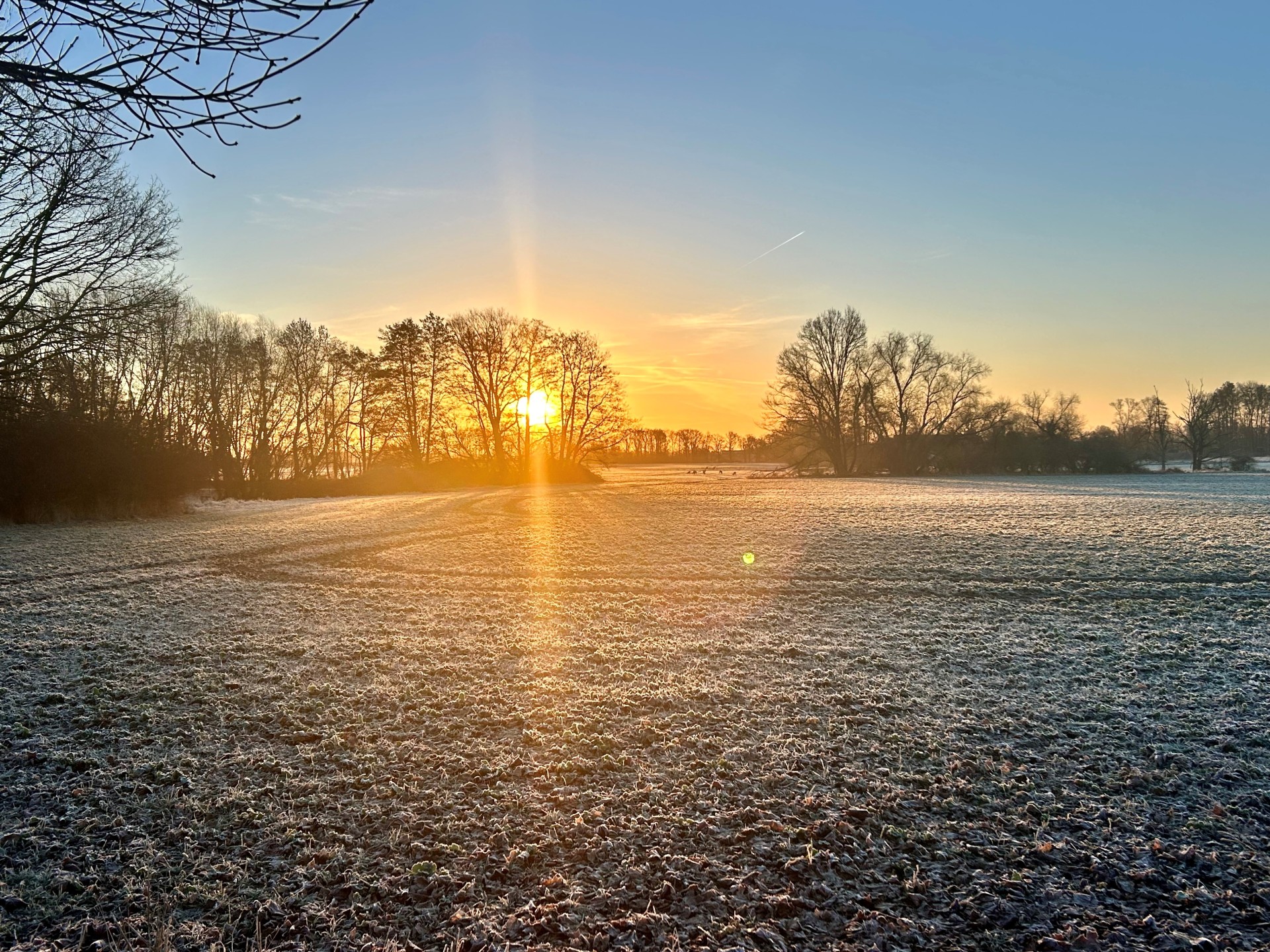
Sunrise in Vielbaum with deer in the background
This page has been automatically translated. There may therefore be discrepancies or inaccuracies in the text. Only the original version is binding. Legal claims arising from the content of the translated version are excluded.

Municipality of Altmärkische Wische

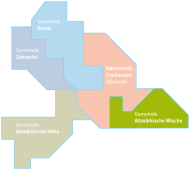
Map of the municipality of Seehausen (Altm.)

The municipality of Altmärkische Wische and its districts

Around 850 inhabitants live in the municipality of Altmärkische Wische. The total area is approx. 67.1 km², resulting in a population density of 13 inhabitants per km². The municipality includes the districts of Falkenberg, Lichterfelde, Neukirchen (Altmark) and Wendemark, all of which have almost the same number of inhabitants.

Districts

  • Falkenberg

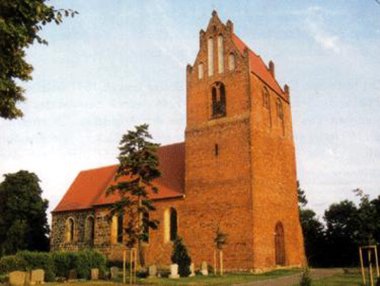
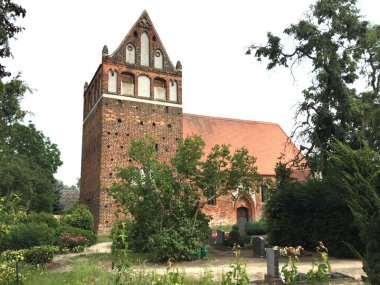
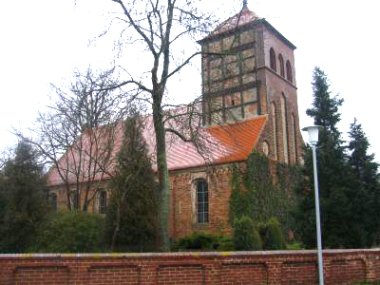
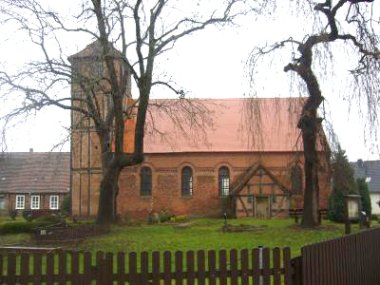
    Falkenberg is a typical Wischedorf village with farms in individual locations. The area is characterized by grassland farming with dairy cattle and cattle breeding as well as grain and fodder cultivation.

  • Lichterfelde

    Lichterfelde is a village in a row and is located on the country road between the town of Seehausen (Altmark) and Werben, in the middle of the Altmark Wische. Apart from a few houses and farmsteads that are more than 100 years old, most of the buildings were erected later.

  • New churches

    The village is a long, linear settlement. The Middle Elbe Biosphere Reserve begins north of the village. The town of Seehausen (Altmark) is approximately 8 kilometers away. Visitors to Neukirchen can enjoy long and relaxing hikes through the vast landscape of the Elbe valley. The Anglerheim restaurant is a great place to stop for a bite to eat and a rest.

  • Turning mark

    The Wendemark district includes the village of Wendemark as well as ten smaller settlements that are slightly off the beaten track. Wendemark is located directly on the Elbe. The small town of Werben (Elbe) is only four kilometers away, and the town of Havelberg can be reached a few kilometers further via a ferry connection.

Help with accessibility

  • General

    We endeavor to make our websites accessible. You can find details on this in our accessibility statement. You can send us suggestions for improvement via our feedback form Report accessibility.

  • Font size

    To adjust the font size, please use the following key combinations:

    Larger

    command
    +

    Smaller

    command

    Larger

    Ctrl
    +

    Smaller

    Ctrl
  • Keyboard navigation

    Use TAB and SHIFT + TAB to navigate through next/previous links, form elements and buttons.

    Use ENTER to open links and interact with elements.

  • Contrast mode

    Press the following key combination to reduce or increase the contrast:

    Enlarge

    control
    option
    command
    .

    Decrease

    control
    option
    command
    ,
    Note: The shortcuts must be activated in the system settings of the operating system.

    Press the left ALT key + left SHIFT key + PRINT to quickly switch the high contrast mode on or off.

  • Invert colors

    Press the following key combination to switch color inversion on and off:

    control
    option
    command
    8
    Note: The shortcuts must be activated in the system settings of the operating system.

    First activate the screen magnifier and then switch the color inversion on and off with the following key combinations:

    1. screen magnifier

    +

    2. invert colors

    Ctrl
    Old
    I
  • Screen magnifier

    Press the following key combinations to use the screen magnifier:

    Switch on/off

    option
    command
    8

    Enlarge view

    option
    command
    =

    Reduce view

    option
    command
    Note: The shortcuts must be activated in the system settings of the operating system.

    Switch on / Enlarge view

    +

    Reduce view

Select language