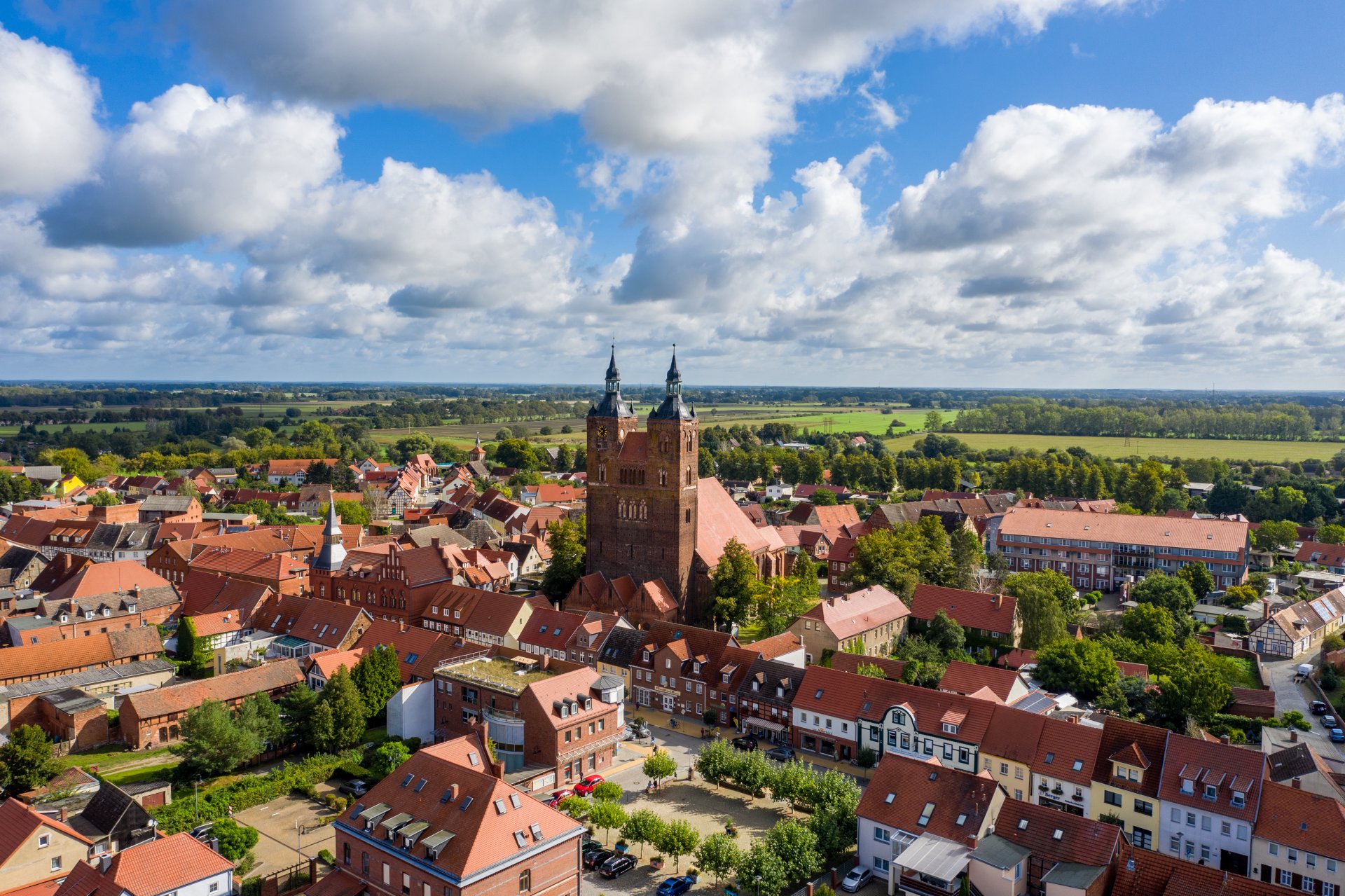

Hanseatic town of Seehausen (Altmark)
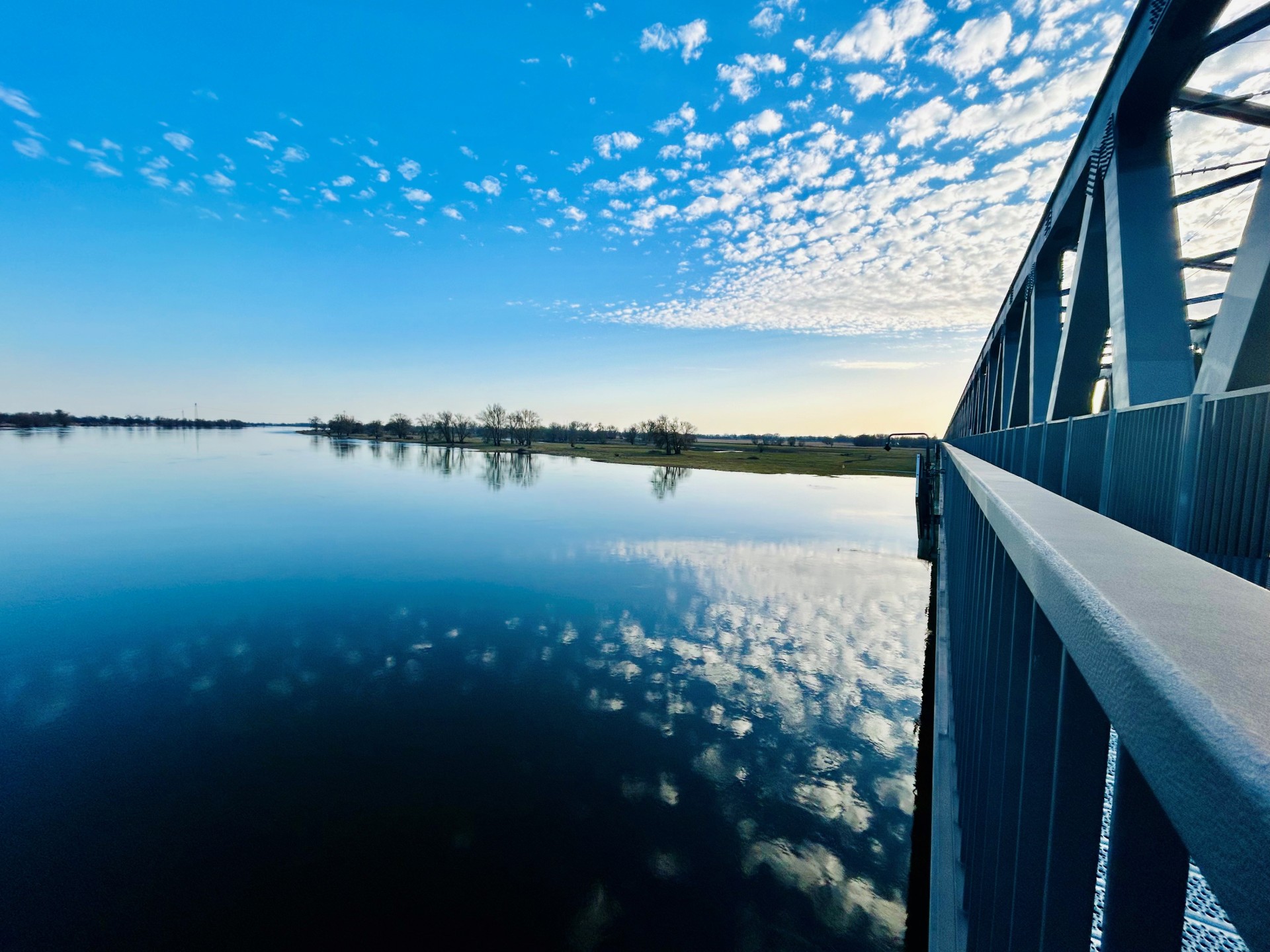
Railroad bridge View towards VGEM Seehausen
Sunrise in Vielbaum with deer in the background
This page has been automatically translated. There may therefore be discrepancies or inaccuracies in the text. Only the original version is binding. Legal claims arising from the content of the translated version are excluded.

Decoration campaign for 875th anniversary celebrations

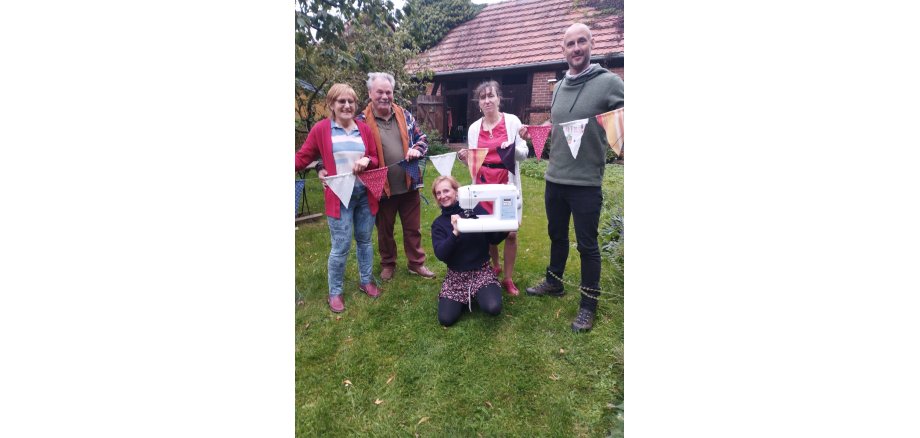
To mark the 2026 anniversary of the town of Seehausen, the Bergfest initiative is calling for people to take part in a pennant chain campaign with the aim of making a garland of 875 pennants to festively decorate the town center. Whether in schools, kindergartens, clubs or in the living room at home - everyone in Seehausen is invited to design, paint, embroider or add text to their pennants according to their individual ideas, so that ideas, wishes or thoughts can be conveyed to the public. The uniqueness also sets an example for diversity and creativity in Seehausen. The use of old clothes or coarse fabrics ensures a corresponding robustness. Jersey fabrics (e.g. T-shirts) are unfortunately not suitable. The pennant measures approx. 29 x 21 x 4 (for wrapping on string) cm. Samples will be available at the Seehausen Tourist Information Office from January 2026. In addition, pinking shears can be borrowed here to prevent fraying of the edges. The finished pennants can be handed in at the Tourist Information Office. The Bergfest group is looking forward to an impressive and colorful work of art created by many supporters, which all residents and guests can enjoy during the town festival.

Contact: Marco Kaczmarek 0173 7637 951 or marco.kaczmarek@posteo.de

Help with accessibility

  • General

    We endeavor to make our websites accessible. You can find details on this in our accessibility statement. You can send us suggestions for improvement via our feedback form Report accessibility.

  • Font size

    To adjust the font size, please use the following key combinations:

    Larger

    command
    +

    Smaller

    command

    Larger

    Ctrl
    +

    Smaller

    Ctrl
  • Keyboard navigation

    Use TAB and SHIFT + TAB to navigate through next/previous links, form elements and buttons.

    Use ENTER to open links and interact with elements.

  • Contrast mode

    Press the following key combination to reduce or increase the contrast:

    Enlarge

    control
    option
    command
    .

    Decrease

    control
    option
    command
    ,
    Note: The shortcuts must be activated in the system settings of the operating system.

    Press the left ALT key + left SHIFT key + PRINT to quickly switch the high contrast mode on or off.

  • Invert colors

    Press the following key combination to switch color inversion on and off:

    control
    option
    command
    8
    Note: The shortcuts must be activated in the system settings of the operating system.

    First activate the screen magnifier and then switch the color inversion on and off with the following key combinations:

    1. screen magnifier

    +

    2. invert colors

    Ctrl
    Old
    I
  • Screen magnifier

    Press the following key combinations to use the screen magnifier:

    Switch on/off

    option
    command
    8

    Enlarge view

    option
    command
    =

    Reduce view

    option
    command
    Note: The shortcuts must be activated in the system settings of the operating system.

    Switch on / Enlarge view

    +

    Reduce view

Select language