Since May 1, 2025, the following applies nationwide: passport photos for ID cards and passports may only be submitted digitally.
On 30.06.2025, the Point-ID® system was set up in the residents' registration office of the municipality of Seehausen (Altmark). With the use of the Point-ID® system, the transitional solution is now no longer available and paper passports can no longer be accepted in accordance with legal requirements.
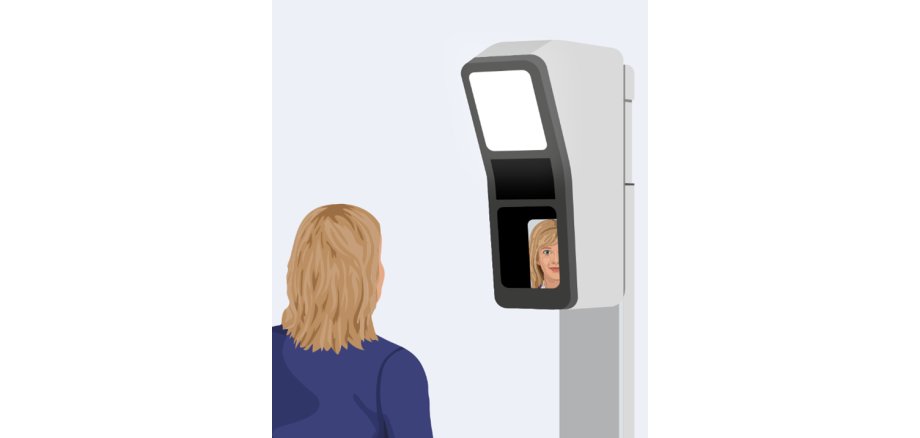
Since 01.07.2025, you have the option of having your digital photo taken directly on site when applying for ID cards and passports - without having to bring a passport photo with you. To apply, come to the residents' registration office as usual. The colleague will take the passport photo with you using the photo system. For babies and small children, the photo is taken on the accompanying person's lap, after which the background is automatically faded out.
The fee for the digital passport photo is €6.00. It is not possible to print out the photos, they can only be used for the ID card or passport application.
You also have the option of visiting a specialist photo store or drugstore and having your digital passport photo taken there. You will receive a QR code there, which can then be read by a scanner at the residents' registration office.
Do you have any questions? Please contact us directly at the Residents' Registration Office.