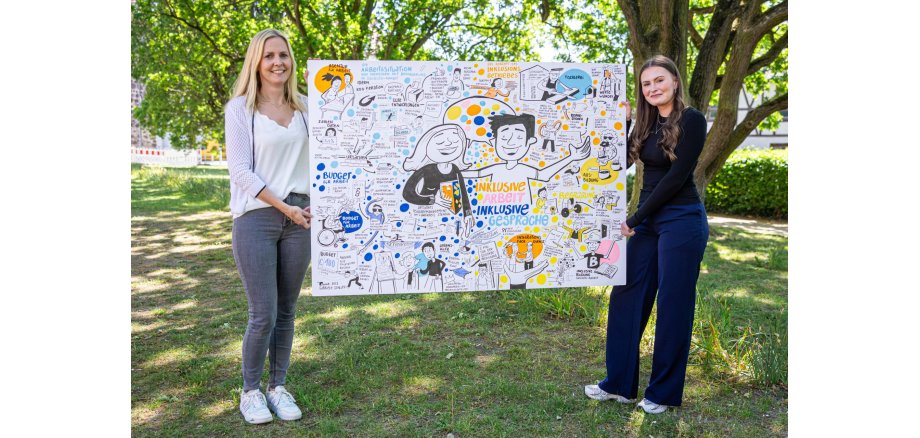
Are you interested in participation, inclusion and accessibility, do you have a disability and are restricted in your participation in social life or do you want to report a barrier to participation? Then the local participation management of the district of Stendal is the right place to go. It is available for all matters relating to participation, inclusion and accessibility. In 2026, a consultation day will also be offered every third Tuesday of the month. The aim is to clarify questions about participation, accessibility and support services at a low threshold.
The local participation management in the district of Stendal is committed to the interests of people with disabilities and supports the removal of barriers to participation and the creation of an inclusive social environment. Here, interested parties have the opportunity to share ideas or find out about regional offers on participation, inclusion and accessibility.
Consultation days are offered on the third Tuesday of every month: February 17, March 17, April 21, May 19 and June 16 and in the second half of the year on July 21, August 18, September 15, October 20, November 17 and December 15. The office of the local participation management is located in the new building of the district administration office, Hospitalstraße 1-2, 39576 Hansestadt Stendal on the second floor, room 254. It is open during the office hours of the administration from 8 am to 12 pm and 2 pm to 5 pm.
In addition to the fixed consultation days, the local participation management team will also be present in the municipalities of the district and offer consultations close to where people live. The respective dates and addresses will be announced in good time. In addition, the local participation management team in the district of Stendal can be contacted by email at teilhabe@landkreis-stendal.de or by telephone on 03931 607194.
Background
The "Local participation management in the district of Stendal" project aims to promote the participation of people with disabilities in social life in the best possible way and raise awareness of the need for inclusion and accessibility. It contributes to the creation of an inclusive social environment by identifying and removing barriers to participation and drawing attention to the needs of people with disabilities. The participation managers act as an interface to the administration and are the point of contact for people with disabilities, clubs, associations and companies.