Hanseatic town of Seehausen (Altmark)
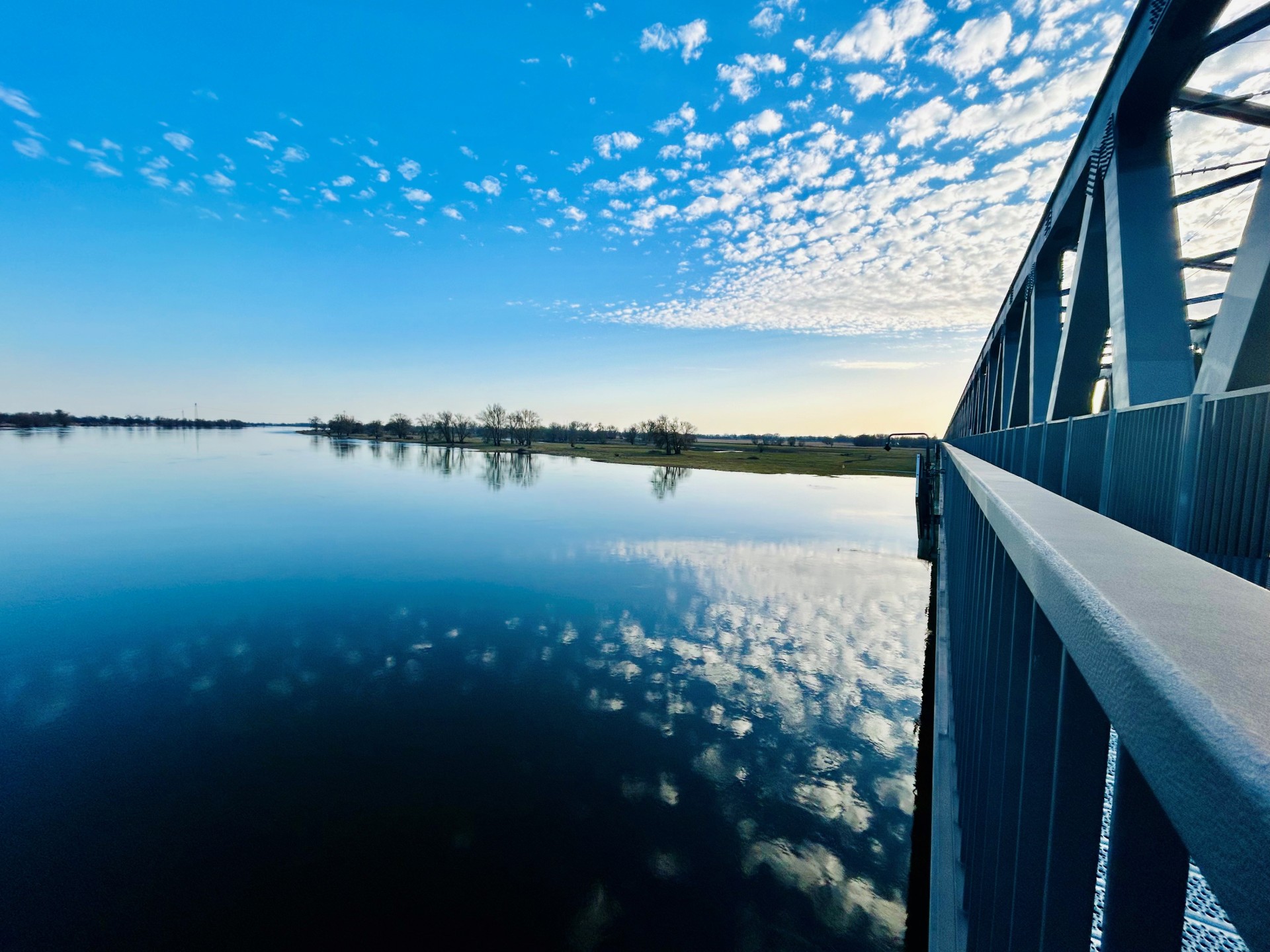
Railroad bridge View towards VGEM Seehausen
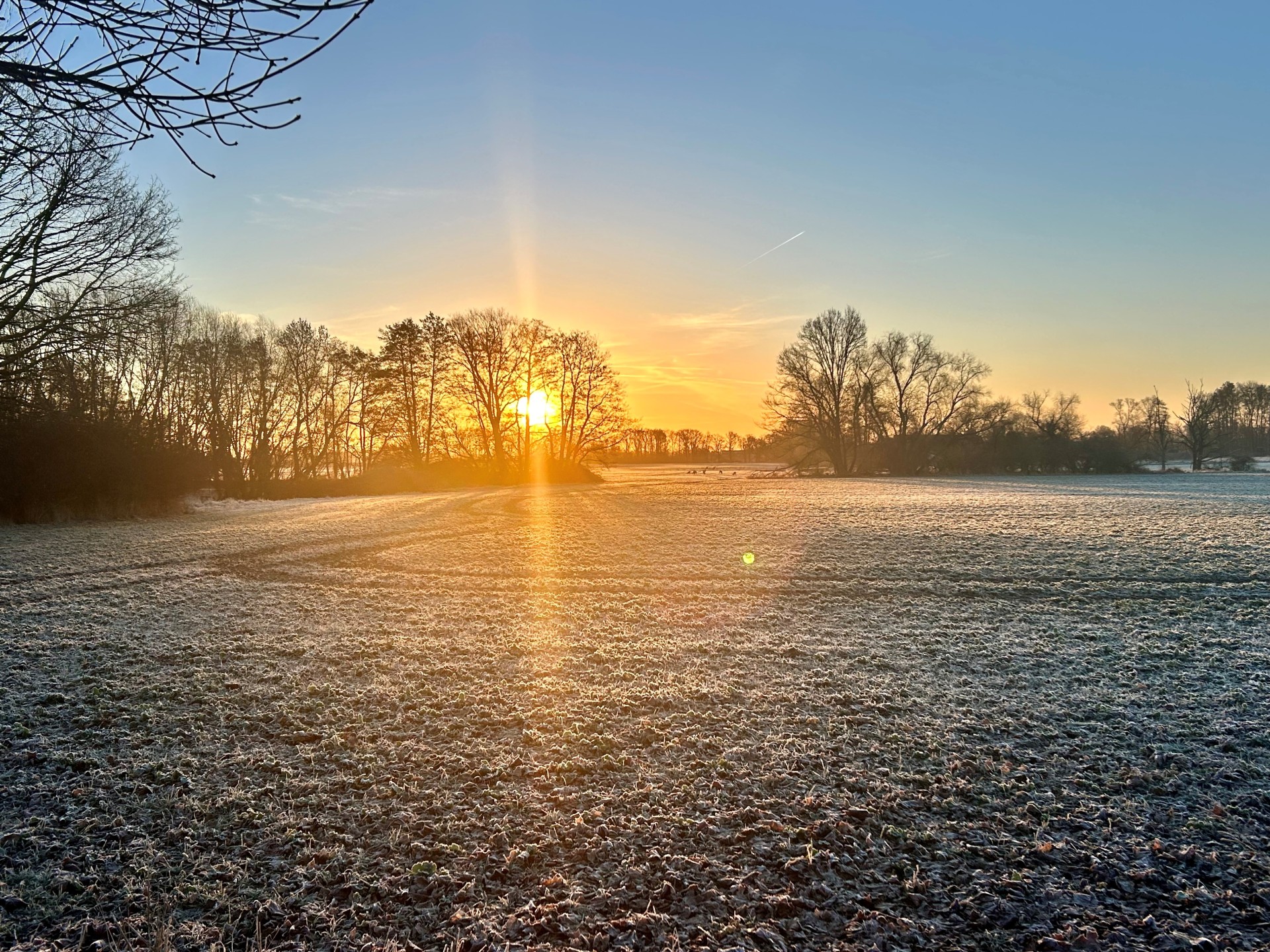
Sunrise in Vielbaum with deer in the background
This page has been automatically translated. There may therefore be discrepancies or inaccuracies in the text. Only the original version is binding. Legal claims arising from the content of the translated version are excluded.

Announcement of the grant

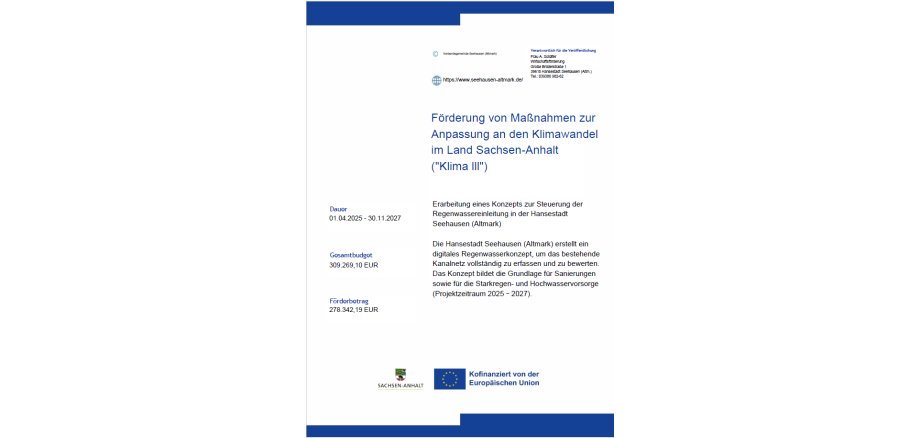
The Hanseatic town of Seehausen (Altmark) is planning to create a digital rainwater concept for the urban area. Many stormwater sewers date back to the 1970s and have so far only been incompletely documented. Information on diameter, gradient or flow rates is often missing. Against the backdrop of increasing heavy rainfall events, the performance of the existing drainage system is to be examined more closely in future.

As part of the project, the manholes and pipes are surveyed and the sewers are inspected to record their condition. This is followed by a hydraulic calculation of the network. The aim is to digitally depict the location, size, flow direction and condition of the stormwater sewers. The concept serves as a basis for future renovation measures as well as for heavy rain and flood prevention.

The project is funded through the promotion of measures to adapt to climate change in the state of Saxony-Anhalt (Climate III). The total costs amount to 309,269.10 euros, of which 278,342.19 euros are co-financed by the European Union.

Help with accessibility

  • General

    We endeavor to make our websites accessible. You can find details on this in our accessibility statement. You can send us suggestions for improvement via our feedback form Report accessibility.

  • Font size

    To adjust the font size, please use the following key combinations:

    Larger

    command
    +

    Smaller

    command

    Larger

    Ctrl
    +

    Smaller

    Ctrl
  • Keyboard navigation

    Use TAB and SHIFT + TAB to navigate through next/previous links, form elements and buttons.

    Use ENTER to open links and interact with elements.

  • Contrast mode

    Press the following key combination to reduce or increase the contrast:

    Enlarge

    control
    option
    command
    .

    Decrease

    control
    option
    command
    ,
    Note: The shortcuts must be activated in the system settings of the operating system.

    Press the left ALT key + left SHIFT key + PRINT to quickly switch the high contrast mode on or off.

  • Invert colors

    Press the following key combination to switch color inversion on and off:

    control
    option
    command
    8
    Note: The shortcuts must be activated in the system settings of the operating system.

    First activate the screen magnifier and then switch the color inversion on and off with the following key combinations:

    1. screen magnifier

    +

    2. invert colors

    Ctrl
    Old
    I
  • Screen magnifier

    Press the following key combinations to use the screen magnifier:

    Switch on/off

    option
    command
    8

    Enlarge view

    option
    command
    =

    Reduce view

    option
    command
    Note: The shortcuts must be activated in the system settings of the operating system.

    Switch on / Enlarge view

    +

    Reduce view

Select language