Hanseatic town of Seehausen (Altmark)
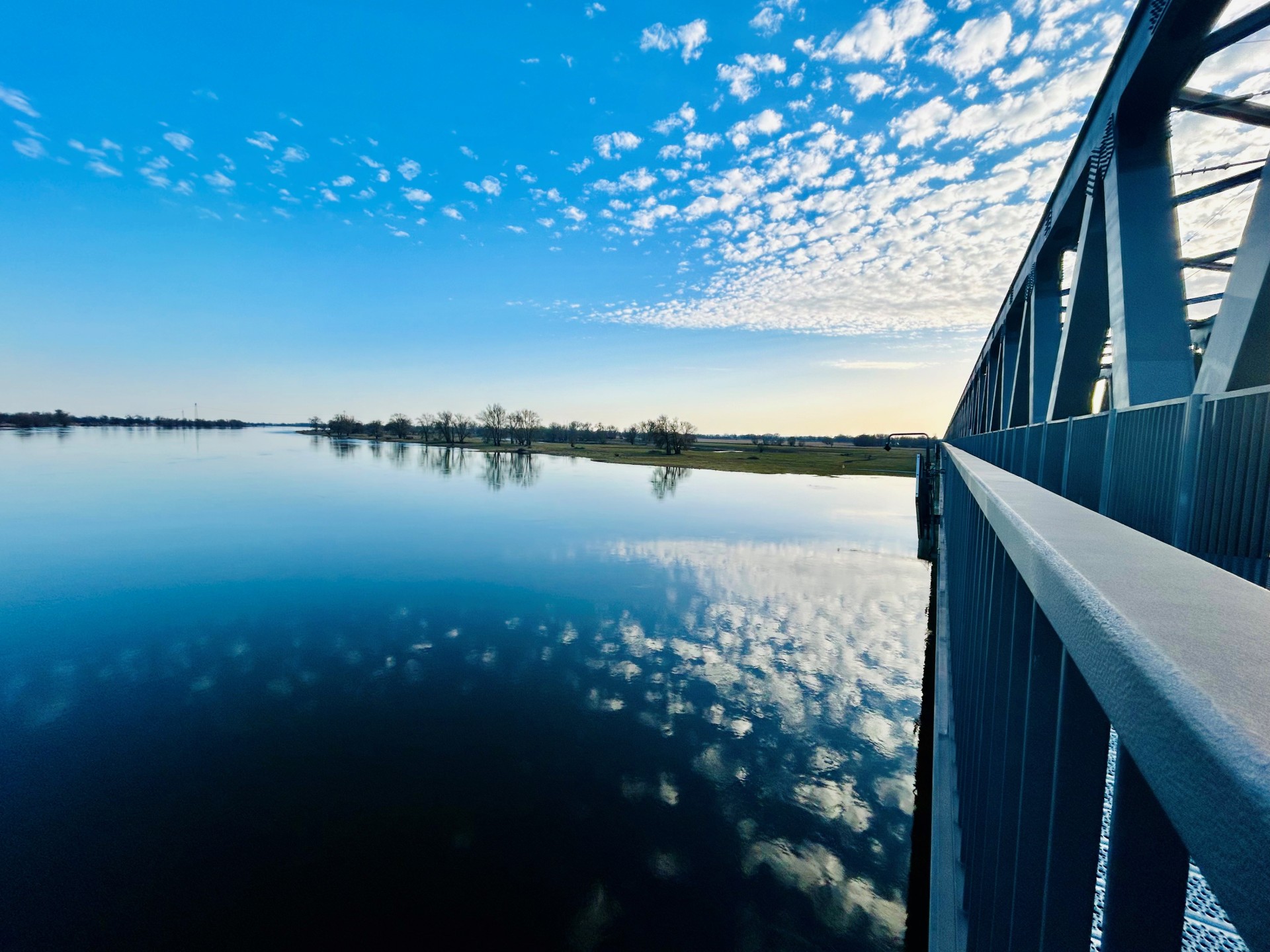
Railroad bridge View towards VGEM Seehausen
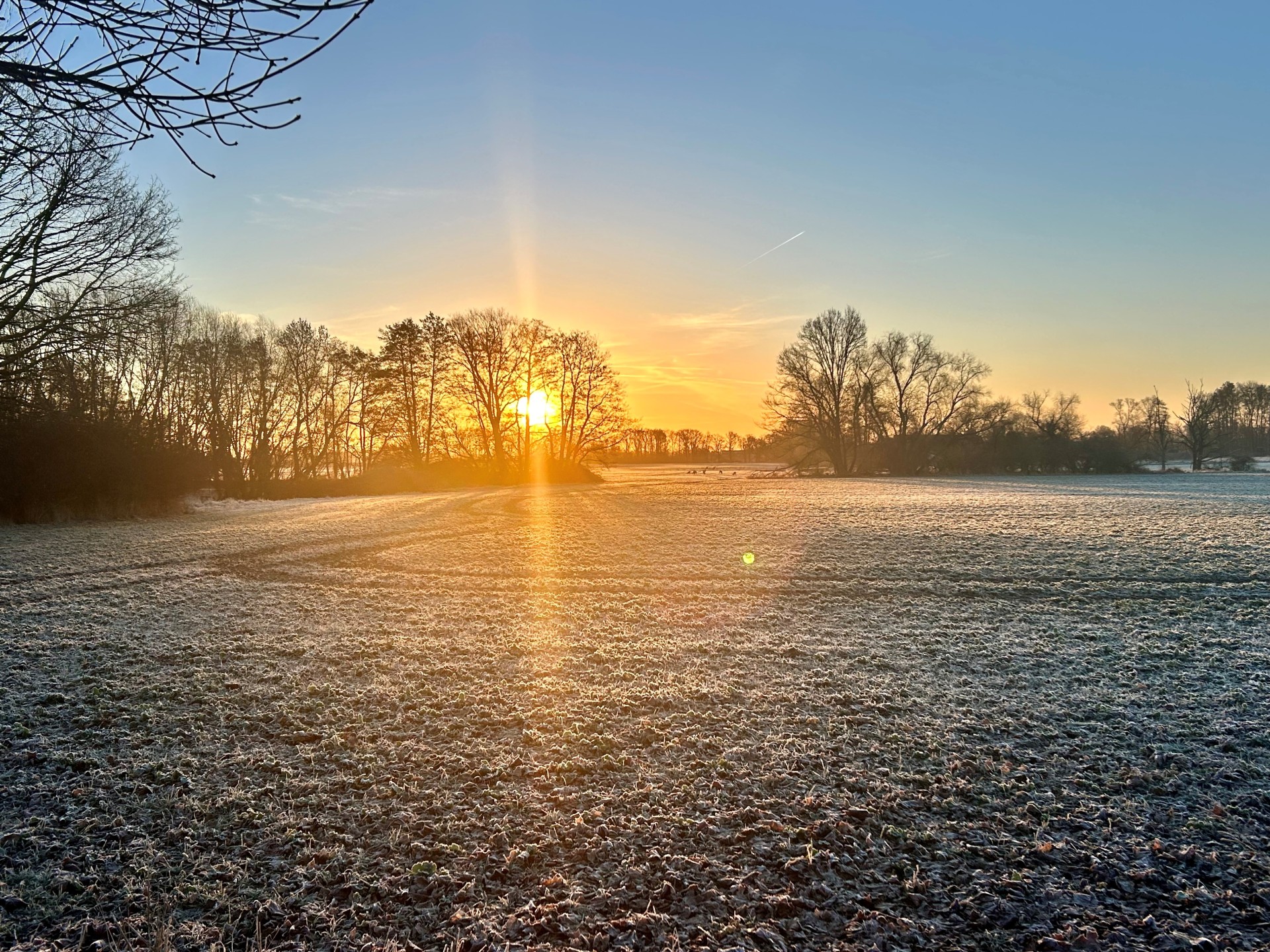
Sunrise in Vielbaum with deer in the background
This page has been automatically translated. There may therefore be discrepancies or inaccuracies in the text. Only the original version is binding. Legal claims arising from the content of the translated version are excluded.

Information after grant award-1

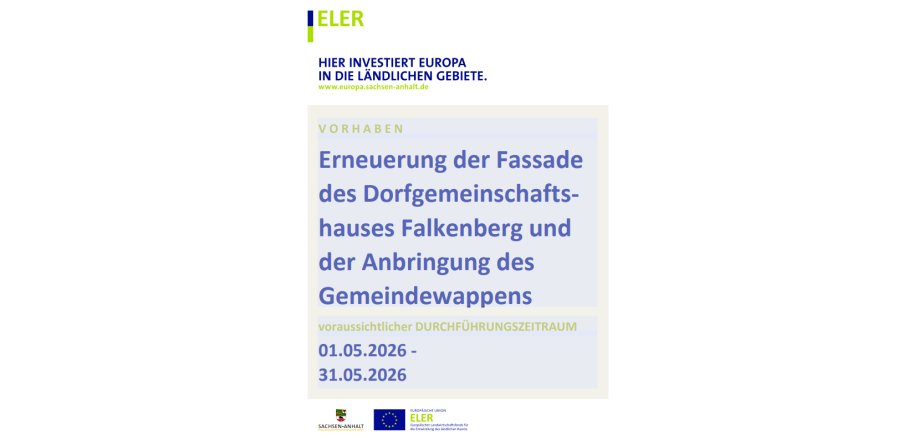
The village community center (DGH) in the Falkenberg district of the Altmärkische Wische municipality is being given a new façade in order to secure the building in the long term and maintain its central function as a social and cultural meeting place. The grant has already been awarded.

The measure is being implemented within the framework of the LEADER 2023-2027 funding guideline and is part of the CAP Strategic Plan of the Federal Republic of Germany 2023-2027. Funding is provided in accordance with the regulations of the EAFRD (LEADER intervention) from funds of the European Union and the state of Saxony-Anhalt as 70% co-financing and amounts to EUR 14,000.

Due to its location directly on the main road, the village community center significantly shapes the appearance of the Falkenberg district. As part of the façade renovation, the coat of arms of the Altmärkische Wische municipality will also be added, which visibly underlines the local connection. The measure will ensure the long-term usability of the building and make an important contribution to the provision of public services, the strengthening of voluntary work and the implementation of the local development strategy of the LAG Altmark Mitte.

Help with accessibility

  • General

    We endeavor to make our websites accessible. You can find details on this in our accessibility statement. You can send us suggestions for improvement via our feedback form Report accessibility.

  • Font size

    To adjust the font size, please use the following key combinations:

    Larger

    command
    +

    Smaller

    command

    Larger

    Ctrl
    +

    Smaller

    Ctrl
  • Keyboard navigation

    Use TAB and SHIFT + TAB to navigate through next/previous links, form elements and buttons.

    Use ENTER to open links and interact with elements.

  • Contrast mode

    Press the following key combination to reduce or increase the contrast:

    Enlarge

    control
    option
    command
    .

    Decrease

    control
    option
    command
    ,
    Note: The shortcuts must be activated in the system settings of the operating system.

    Press the left ALT key + left SHIFT key + PRINT to quickly switch the high contrast mode on or off.

  • Invert colors

    Press the following key combination to switch color inversion on and off:

    control
    option
    command
    8
    Note: The shortcuts must be activated in the system settings of the operating system.

    First activate the screen magnifier and then switch the color inversion on and off with the following key combinations:

    1. screen magnifier

    +

    2. invert colors

    Ctrl
    Old
    I
  • Screen magnifier

    Press the following key combinations to use the screen magnifier:

    Switch on/off

    option
    command
    8

    Enlarge view

    option
    command
    =

    Reduce view

    option
    command
    Note: The shortcuts must be activated in the system settings of the operating system.

    Switch on / Enlarge view

    +

    Reduce view

Select language