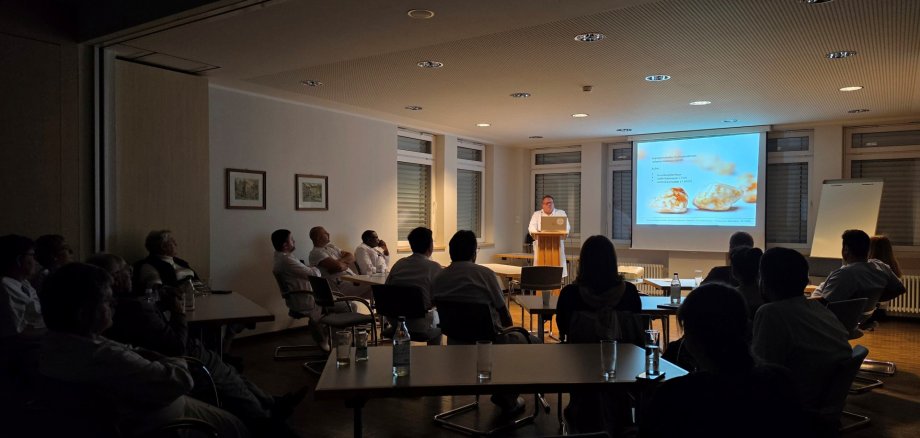
The presenting symptom “unclear abdominal pain” repeatedly poses complex challenges for physicians in their daily practice. Making a quick and precise diagnosis is often decisive for the success of treatment. To promote this critical exchange of ideas, Seehausen Hospital hosted a certified continuing medical education event last Wednesday. In addition to interdisciplinary presentations, the specialized event provided a valuable platform for further strengthening collaboration at the interface between outpatient and inpatient care.
A key part of the evening’s program was the personal introduction of the new medical colleagues from the hospital. Experts from the surgical and internal medicine departments outlined their internal procedures and diagnostic pathways for acute abdominal pain. This transparency was met with an overwhelmingly positive response: In their feedback, the participating primary care physicians expressly praised the strong practical relevance and the noticeable approachability of the hospital teams. Getting to know the faces behind the phone numbers of the emergency rooms and specialty departments was described as a real asset for day-to-day medical practice in the county.
The subsequent discussion focused on recognizing the value of interdisciplinary collaboration in practice. “A diagnosis of an unclear abdominal condition rarely involves just a single discipline. It requires seamless coordination—from the initial clinical examination at the primary care physician’s office, through imaging, all the way to the decision made in the operating room,” emphasized Dr. Alwin Bulla, Chief of Surgery. The continuing education session impressively demonstrated how closely integrated and collaborative the care chain in the region already is.
Even though the event took place in a smaller, intimate setting, this did not detract from its energy—on the contrary: the smaller setting allowed for a particularly intense, professional dialogue among equals and provided space for one-on-one conversations.
The continuing education program, certified by the relevant state medical board, underscored once again that the key to optimal patient care lies in the continuous, personalized transfer of knowledge. Based on the positive feedback, the hospital plans to continue this dialogue-oriented format for private-practice colleagues in the coming year.